The “No cookies” badge
A small embeddable badge for your footer that tells visitors you don’t track them with cookies.
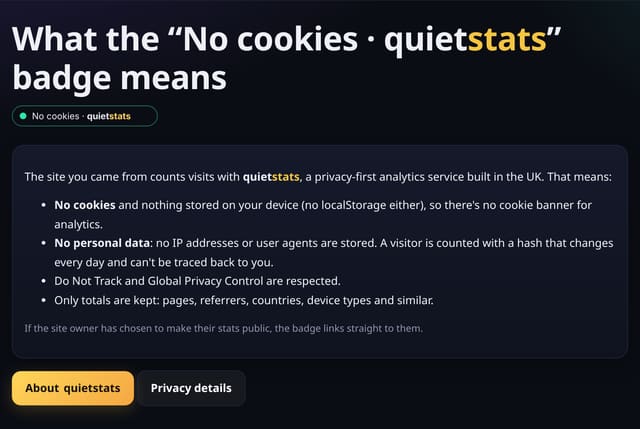
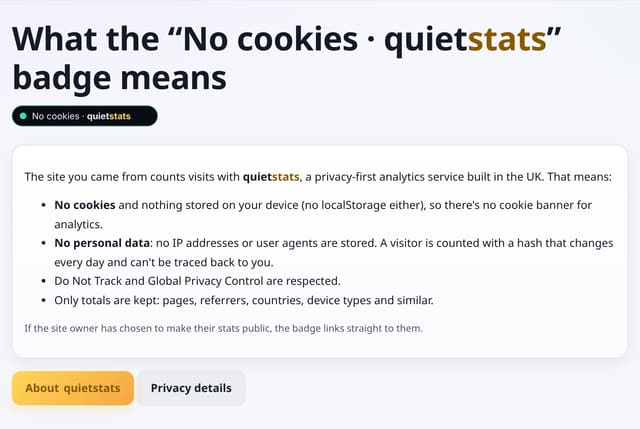
What it does
A 196 × 28 SVG badge you can link to your privacy notice.
Why it matters
A visible promise builds trust, especially on sites without a cookie banner.
How to use it
- Copy the badge code below.
- Paste it into your footer.
- Link it to your privacy notice or to How it works.
HTML
<a href="https://quietstats.co.uk/how-it-works"><img src="https://quietstats.co.uk/badge.svg" width="196" height="28" alt="No cookies · quietstats"></a>Replace YOUR_SITE_ID with the ID shown on your site’s Manage page.
How it works
- Copy the image tag into your footer.
- Link it to your privacy notice or to how quietstats works.
Privacy
- Collected: Nothing: the badge is a static image
- No cookies, and nothing stored on the visitor’s device.
- Reports show totals only: never a visitor list, IP address or single visit.
Limits
- Rows: 0
Plans
Every plan, including Free. quietstats is free during launch: the Free plan covers 1 site and 5,000 pageviews a month, and no card is needed. See pricing.
Questions
Does the badge track anything?
No. It is a static image, cached for a day.