Revenue values on goals
Give a custom event a number — qs('Purchase', 'pro', 49) or data-qs-value — and the matching goal shows the total, with no order IDs.
In every plan, including Free. Goals, events and conversions.
What it is
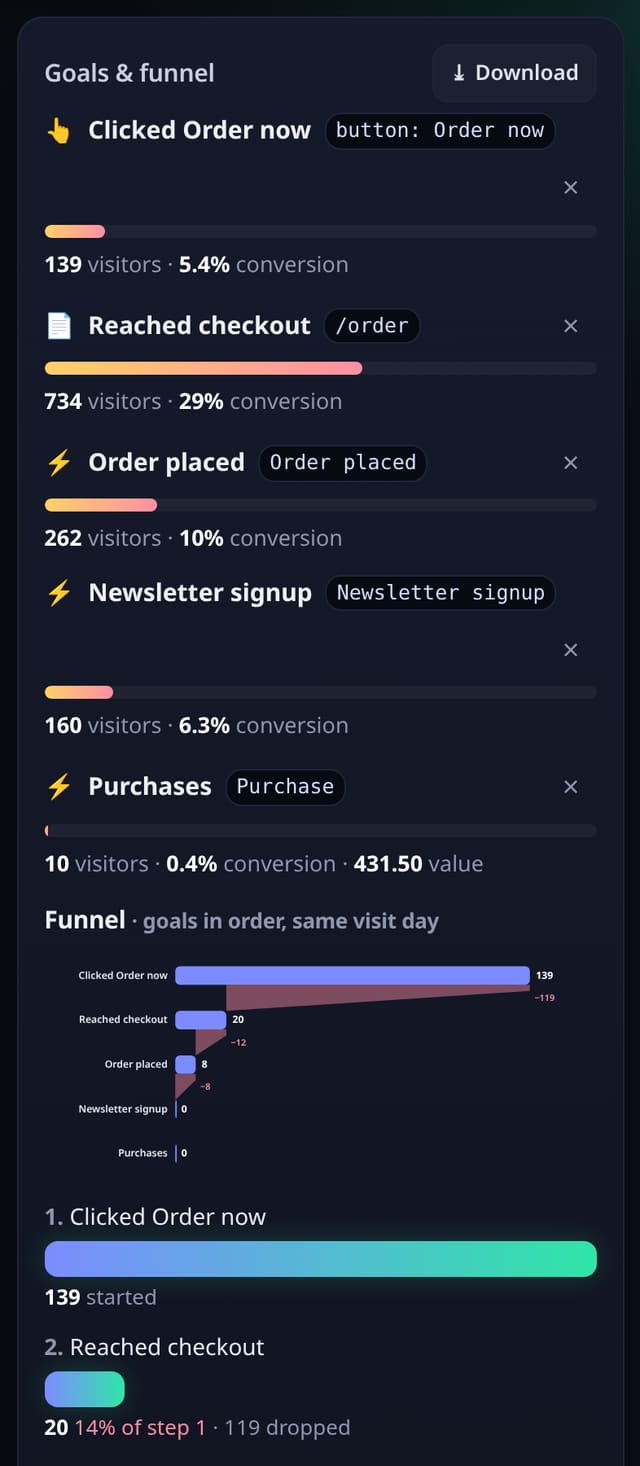
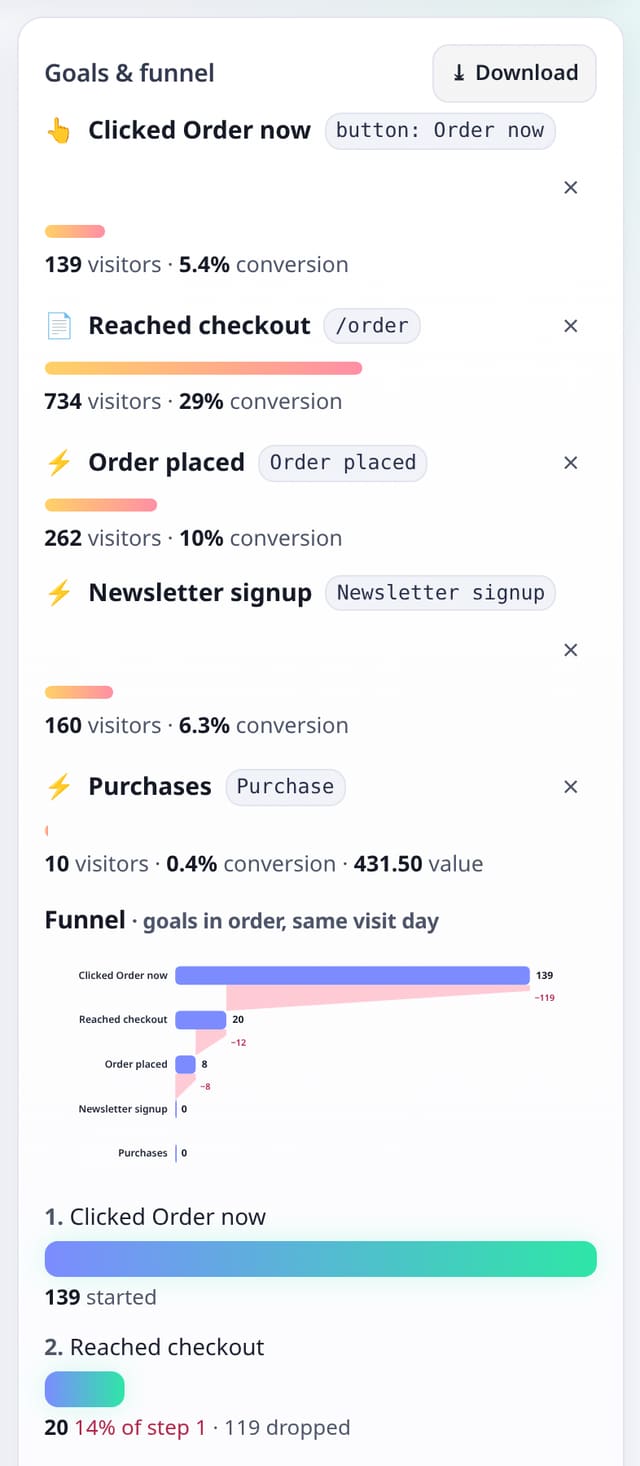
The optional events.js add-on already sends a name and an optional label. You can now also send a numeric value. The collector stores that number on the same custom event row, and each event, click or form goal shows the sum for the date range. Unique visitor counts and the funnel are unchanged. This is separate from Stripe revenue and the conversions API, which keep their own currency totals. script.js stays 845 B.
Why it matters
A goal is more useful when it can show how much those conversions added up to, without turning quietstats into an ecommerce tracker.
How it works
- Install the optional events script, the same way you already do for custom events.
- Call qs('Purchase', 'pro', 49), or put data-qs-event, data-qs-prop and data-qs-value on a button.
- Add an event goal for Purchase (or a click or form goal). The Goals card shows the summed value next to the visitor count.
Privacy: what is and isn’t collected
Collected
- The same event name, optional label and path you already send
- An optional number (0 or more, up to 1 billion, two decimal places)
Never collected
- Order IDs, invoice numbers or customer references
- A currency code — this is a unitless sum on the goal, not mixed with Stripe totals
- Anything typed in a form
- Cookies, localStorage or anything else stored on the visitor’s device
- IP addresses or user agents (used in memory, then discarded)
- Anything that links a visitor across days (the visitor ID resets daily)
Rows and limits
- One optional number on the same custom event row (migration 0052, additive)
- Invalid, negative or huge values are dropped; the event is still counted
- Core script.js is unchanged (845 B); events.js stays under 2.5 KB
- Stripe Payment Links and the conversions API are unchanged
“Rows” are database rows written, which is what our hosting is billed on. Reads are not rows written. Methodology →
Questions
Is this the same as Stripe revenue?
No. Stripe and the conversions API still write currency totals on the Revenue card. Event values are a unitless sum on the goal itself.
Do you store order IDs?
No. Only a number, and only the aggregate sum is shown on the goal.
Does the core script get bigger?
No. script.js stays 845 B. The value is sent only by the optional events.js add-on.
Related features
Set it up
Nothing to set up: it works with the standard one-line script.
<script data-host="https://quietstats.co.uk" data-dnt="true" src="https://quietstats.co.uk/js/script.js" id="YOUR_SITE_ID" async defer></script>Try it on your own site
Free during launch: one site and 5,000 pageviews a month, no card needed. After launch, paid plans start at £5 a month.