Click goals (no code)
Add data-clicks and every link and button click is counted by its label, once per page view.
What it does
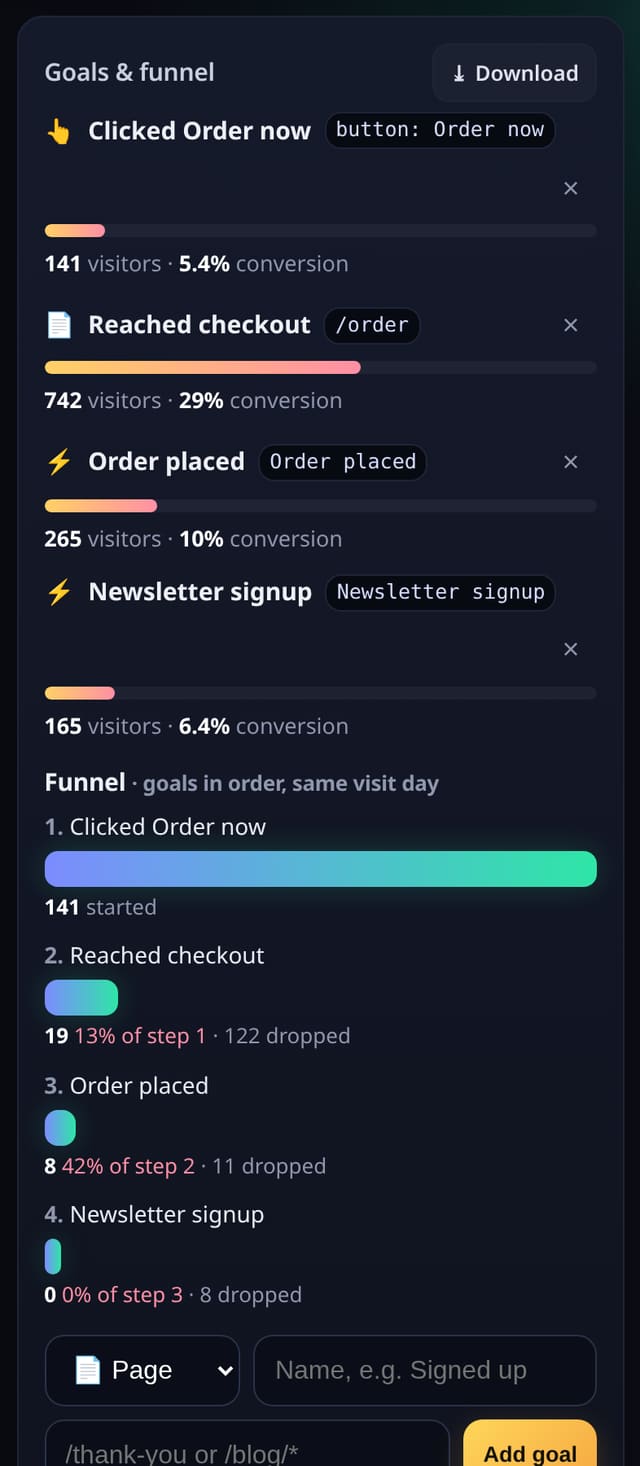
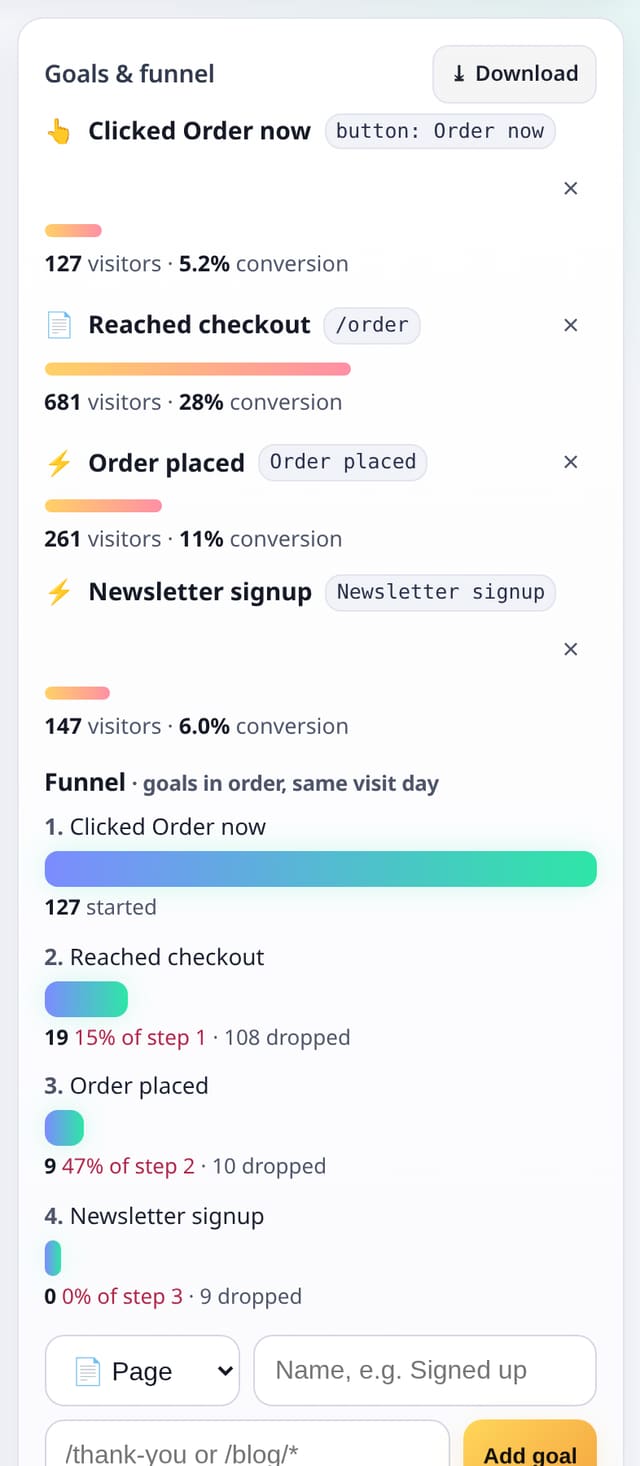
Clicks named like “button: Start free” or “link: /pricing”, ready to turn into goals.
Why it matters
Measure calls to action without asking a developer to tag each one.
How to use it
- Use the events script with data-clicks.
- Clicks show by label; pick one as a click goal in 🎯 Goals.
- Add it as a funnel step if you like.
HTML
<script data-host="https://quietstats.co.uk" data-dnt="true" data-clicks src="https://quietstats.co.uk/js/events.js" id="YOUR_SITE_ID" async defer></script>Replace YOUR_SITE_ID with the ID shown on your site’s Manage page.
How it works
- Add data-clicks to the events script tag.
- A click is labelled with the button text or the link path, kept short.
- Each label counts once per page view, so double-clicks don’t inflate it.
Privacy
- Collected: A short label for the clicked link or button
- Not collected: Form fields or text typed
- Not collected: Click position on the page
- No cookies, and nothing stored on the visitor’s device.
- Reports show totals only: never a visitor list, IP address or single visit.
Limits
- Once per label per page view
- Rows: about 2 per counted click; counts towards your pageviews
Plans
Every plan, including Free. quietstats is free during launch: the Free plan covers 1 site and 5,000 pageviews a month, and no card is needed. See pricing.
Questions
Can I rename a label?
Add data-qs-event to that element and your name is used instead.