Open any page from your reports
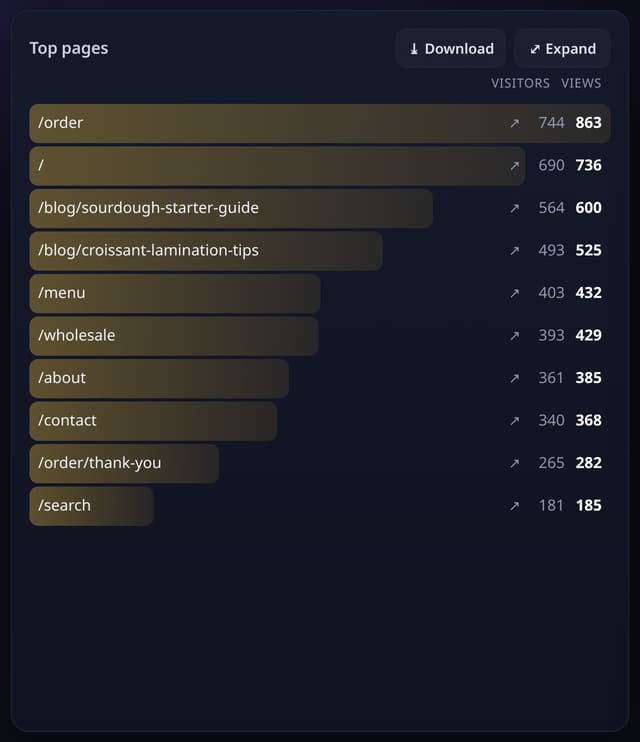
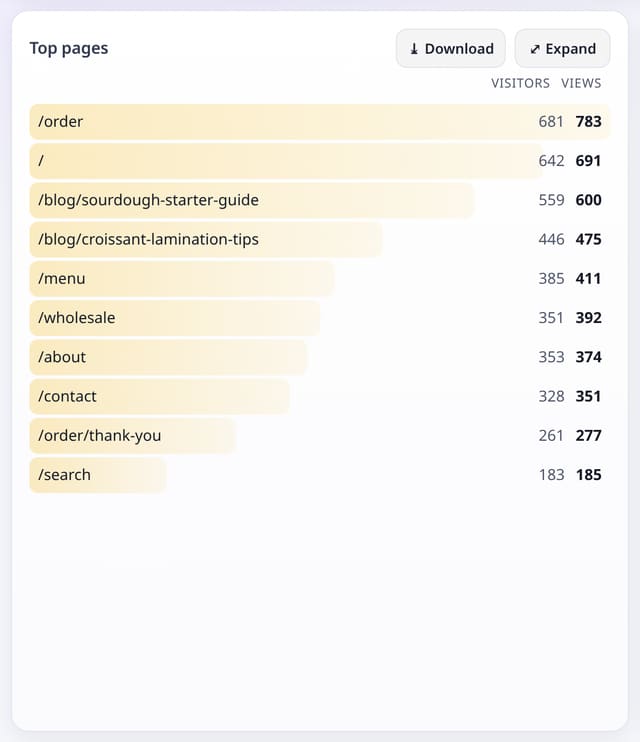
A small ↗ beside every page, referrer, outbound link and download opens it in a new tab. Clicks from your reports are never counted.
What it does
Pages open as https://yourdomain/path, referrers as their site. The ↗ appears in dashboard cards, Expand views, shared dashboards, the live view, the AI and Campaigns reports and the weekly story email. Values like Direct or (none) are not links.
Why it matters
Seeing a page you are reading numbers about is the fastest way to understand them.
How to use it
- Press the small ↗ beside a page, referrer, outbound link or download.
- It opens in a new tab with no quietstats referrer.
- That visit, and the next pages in that tab for 30 minutes, are not counted.
How it works
- Clicks from your reports are never counted: report links carry ?qs_preview=1, and the collector drops that visit and its next pages for 30 minutes, on the server. No change to the script.
- Links open with rel="noopener noreferrer nofollow", so the page sees no referrer from quietstats.
- Only https links to real domains are made; anything else is shown as plain text.
Privacy
- Collected: Nothing new. A report visit stores one short-lived marker (a daily hash, deleted after 30 minutes) so its next pages are skipped.
- No cookies, and nothing stored on the visitor’s device.
- Reports show totals only: never a visitor list, IP address or single visit.
Limits
- Rows: 1 short-lived row per report click, 0 pageviews
- Someone else on the same network and browser visiting within 30 minutes may also be skipped
Plans
Every plan, including Free. quietstats is free during launch: the Free plan covers 1 site and 5,000 pageviews a month, and no card is needed. See pricing.
Questions
Will opening my pages from the dashboard inflate my stats?
No. Clicks from your reports are never counted.