Analytics playbooks
Most people open analytics, look at a chart and close it again.
Step-by-step plans for local businesses, online shops, blogs, SaaS, charities and agencies: what to set up once, what to check each week and what good looks like.
Why quietstats: you get this without cookies, a consent banner or storing IP addresses, in every plan including Free.
In every plan, including Free. Reports, sharing and alerts.
📘 Step-by-step guide, with screenshots and diagrams →
Start free, no cardSee live demo
- No cookies or consent banner
- No IP addresses stored
- Groups under 5 visitors hidden
- 845-byte script
- Free plan, no card
What it is
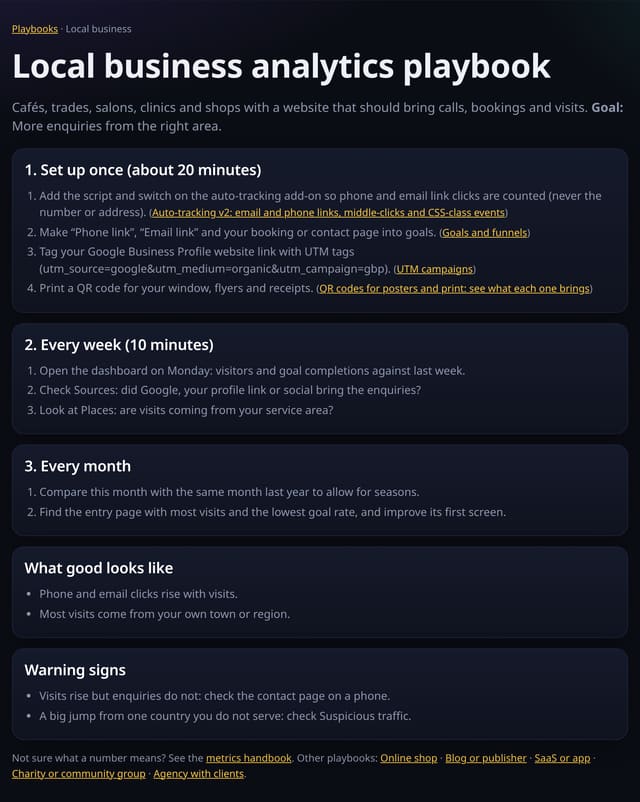
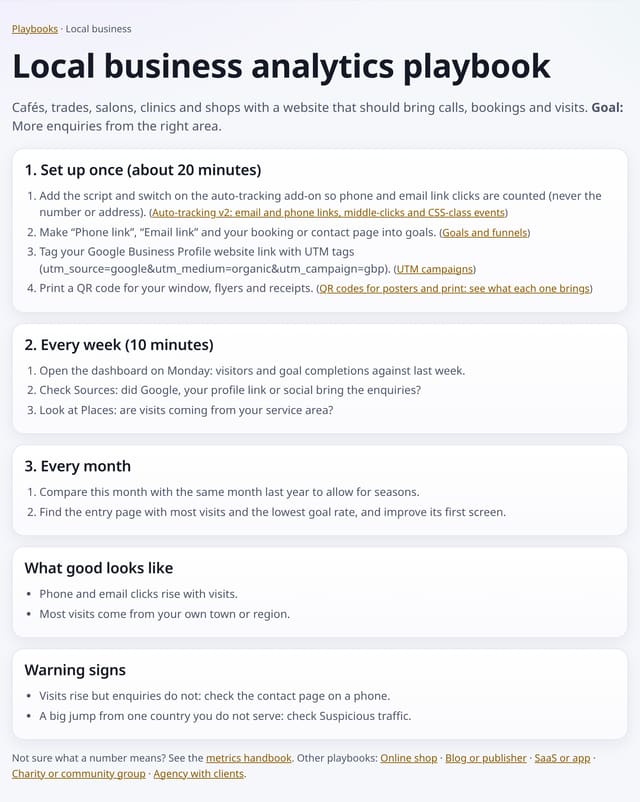
Six playbooks at /playbooks, one for each common kind of website. Each has the same shape: set up once (about 20 minutes, with links to the exact features), a 10-minute weekly check, a monthly review, what good looks like and the warning signs to act on.
Why it matters
Most people open analytics, look at a chart and close it again. A short routine tied to an outcome is what turns numbers into decisions.
How it works
- Open /playbooks and pick the one closest to your site.
- Do the one-off setup steps; each links to the feature it uses.
- Put the weekly check in your diary for Monday morning.
Privacy: what is and isn’t collected
Collected
- Nothing: they are public pages with no tracking beyond the site’s own cookie-free tag
Never collected
- Anything about who reads them
- Cookies, localStorage or anything else stored on the visitor’s device
- IP addresses or user agents (used in memory, then discarded)
- Anything that links a visitor across days (the visitor ID resets daily)
Rows and limits
- General guidance; adapt the goals to your own business
- Some steps use optional add-ons or integrations
“Rows” are database rows written, which is what our hosting is billed on. Reads are not rows written. Methodology →
Questions
Which playbook should I use?
The one closest to what your site is for. If it does two jobs, such as a shop with a blog, use both.
Do the playbooks cost anything?
No. Every step uses features available on every plan.
Related features
See your trafficGoals and funnels
Goals, events and conversionsPlain-English weekly insight
See your trafficChart note impact: before and after every note
Reports, sharing and alertsMilestones on your dashboard
Reports, sharing and alertsSite vs site: compare two of your sites
Reports, sharing and alertsAnnotated monthly report, ready to print or save as PDF
Reports, sharing and alertsFree import from Google Analytics, Plausible and Fathom
Data in and out
All reports, sharing and alerts features → · All features → · Docs: Analytics playbooks guide → · Compare features with other tools →
Guides on this topic
Set it up
Nothing to set up: it works with the standard one-line script.
<script data-host="https://quietstats.co.uk" data-dnt="true" src="https://quietstats.co.uk/js/script.js" id="YOUR_SITE_ID" async defer></script>Try it on your own site
Free during launch: one site and 5,000 pageviews a month, no card needed. After launch, paid plans start at £5 a month.