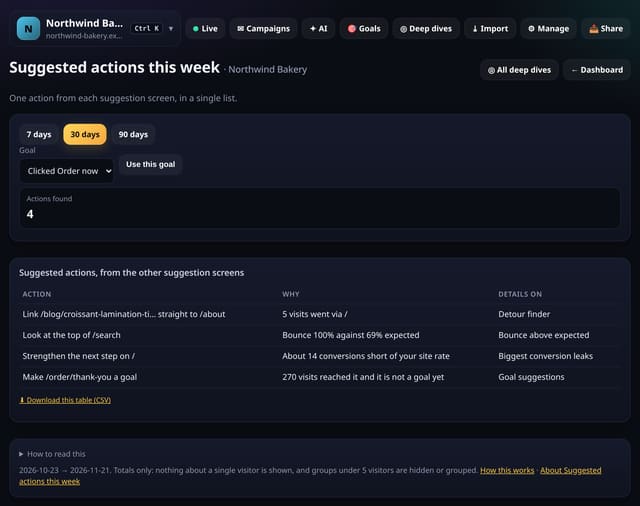
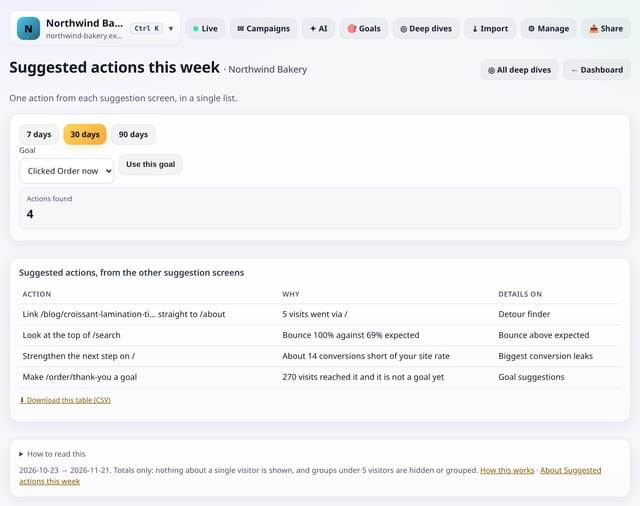
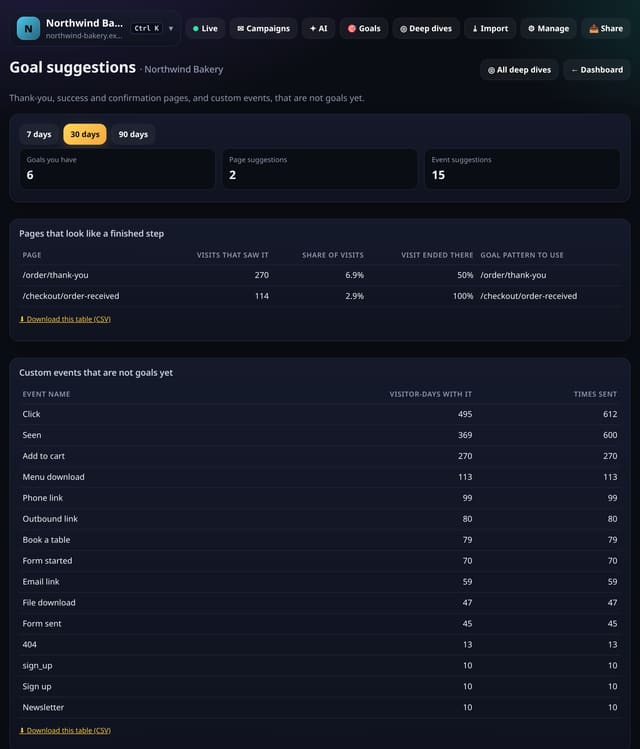
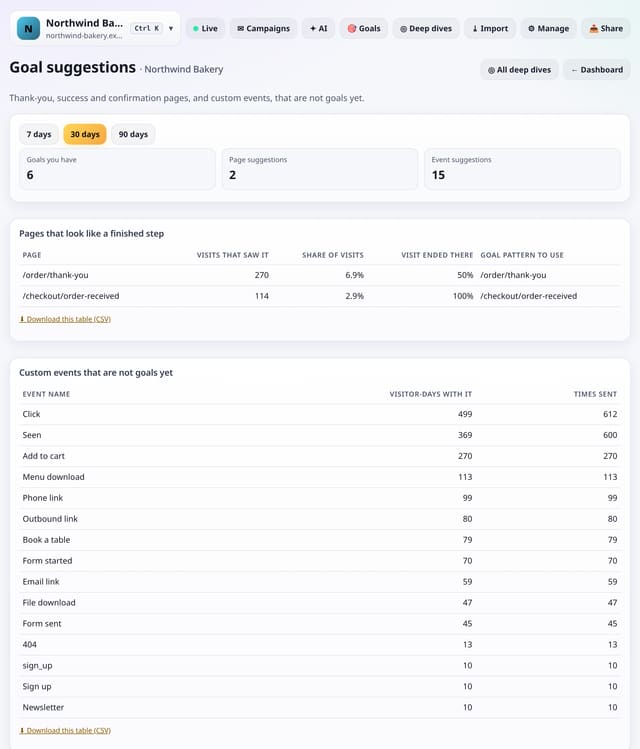
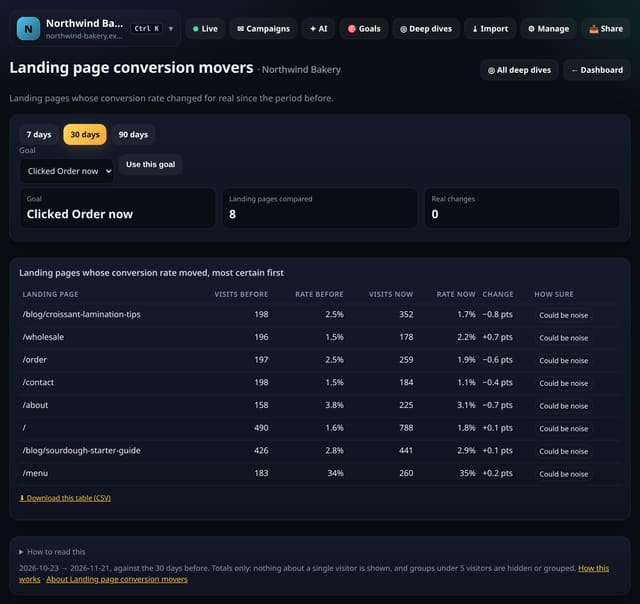
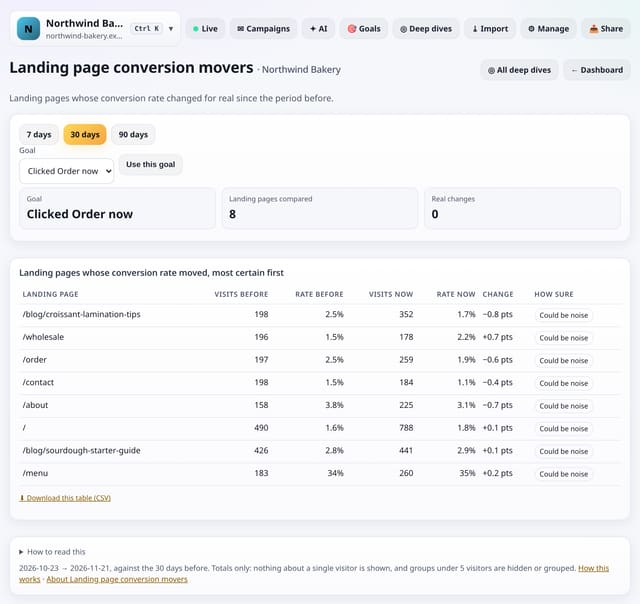
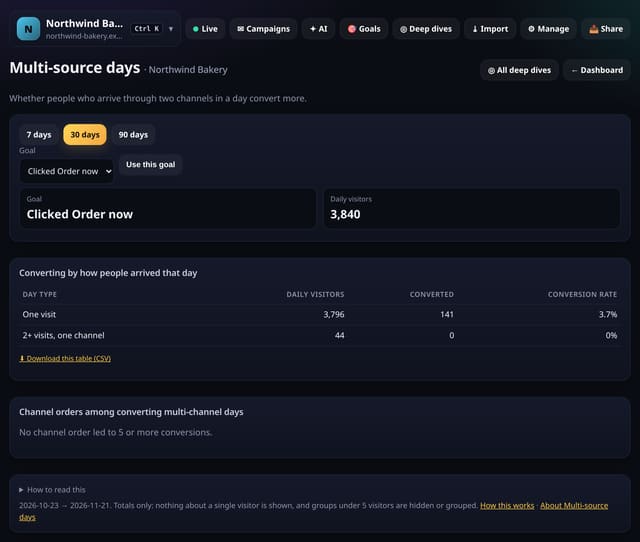
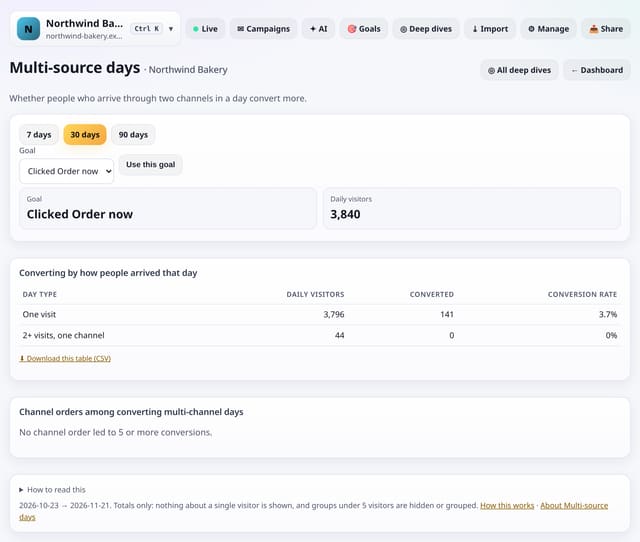
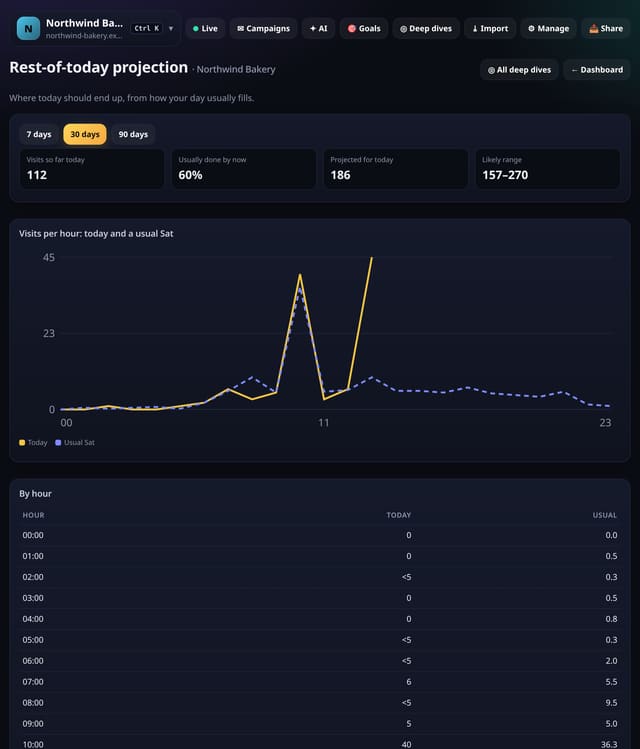
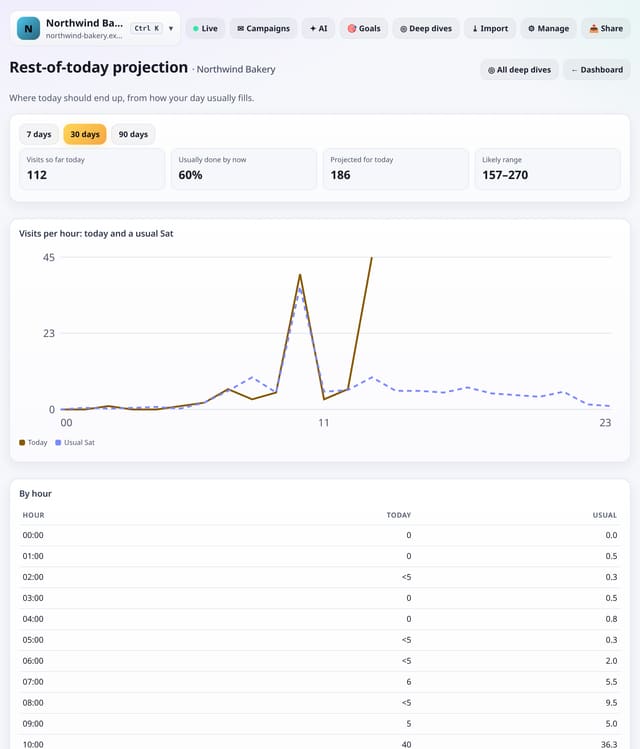
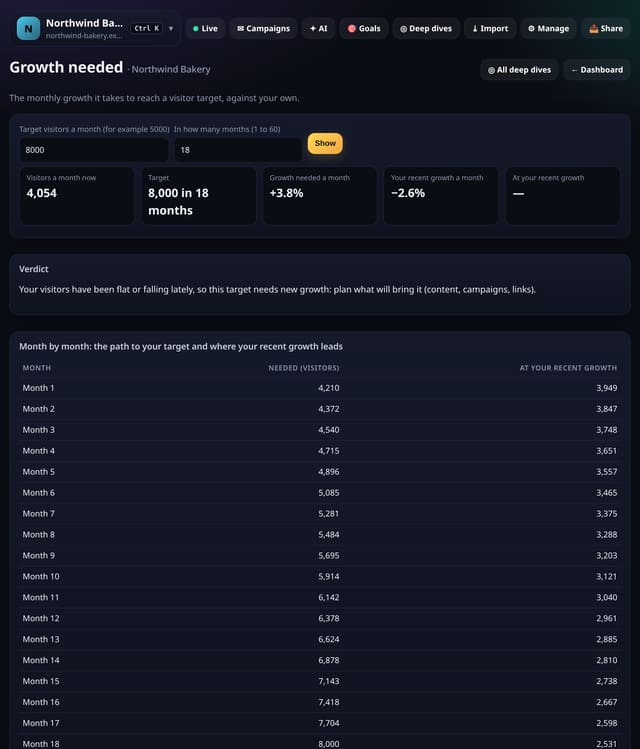
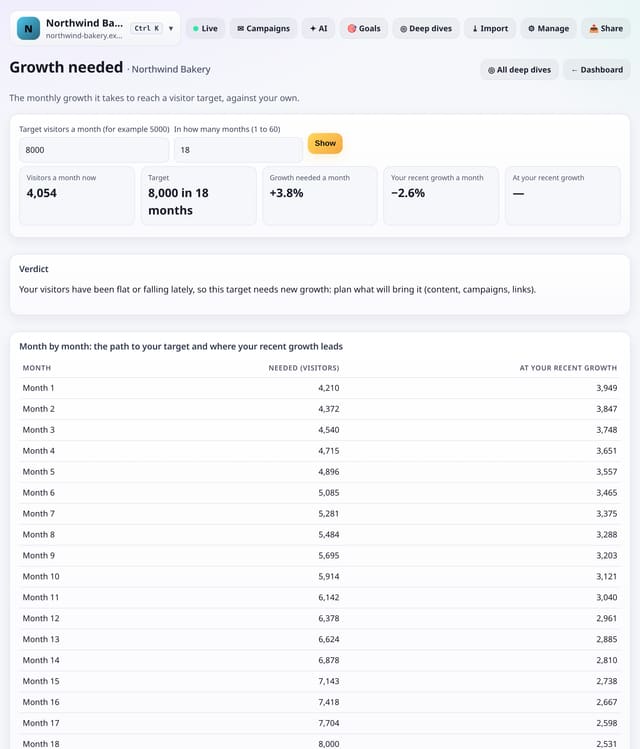
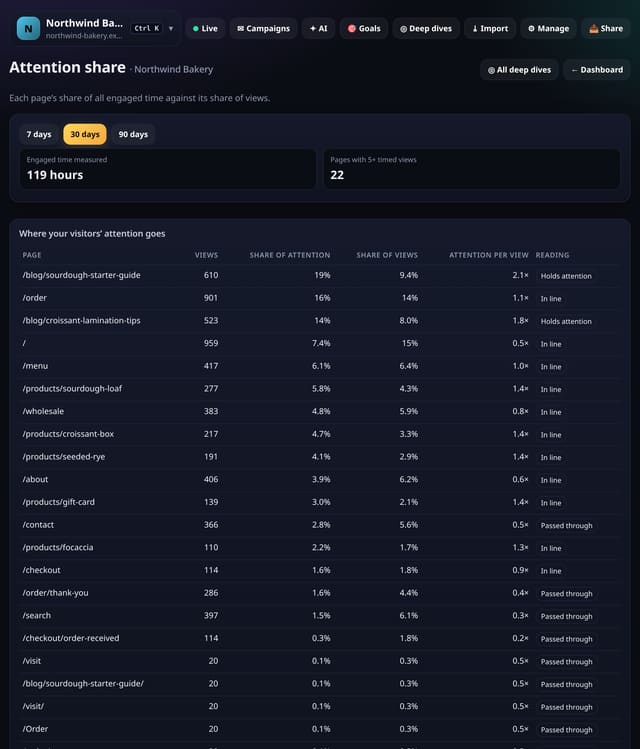
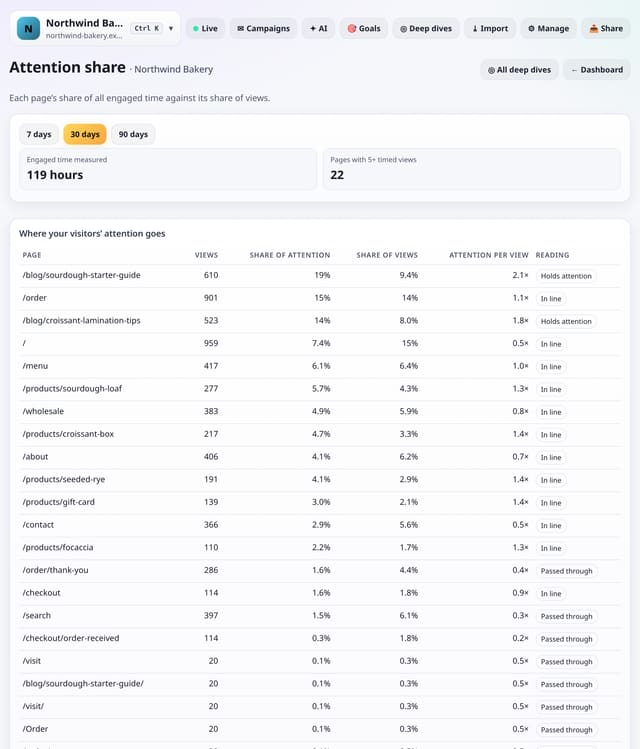
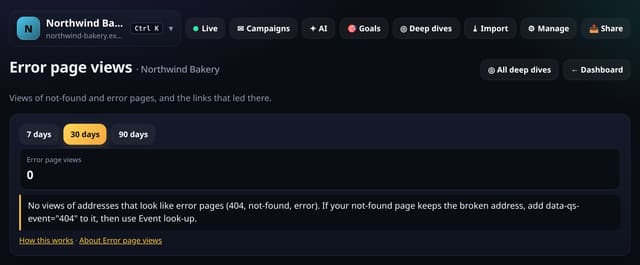
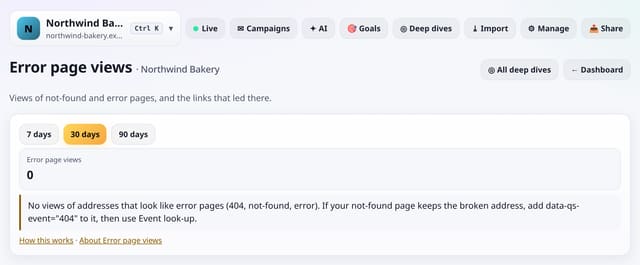
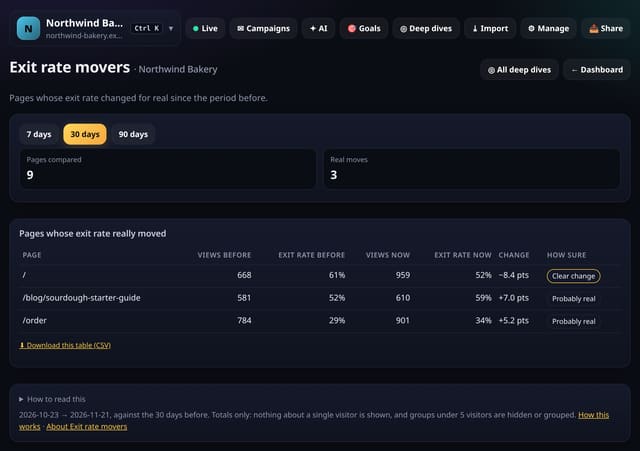
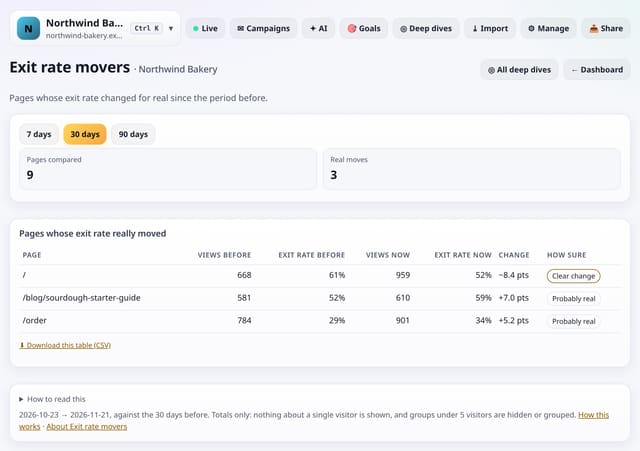
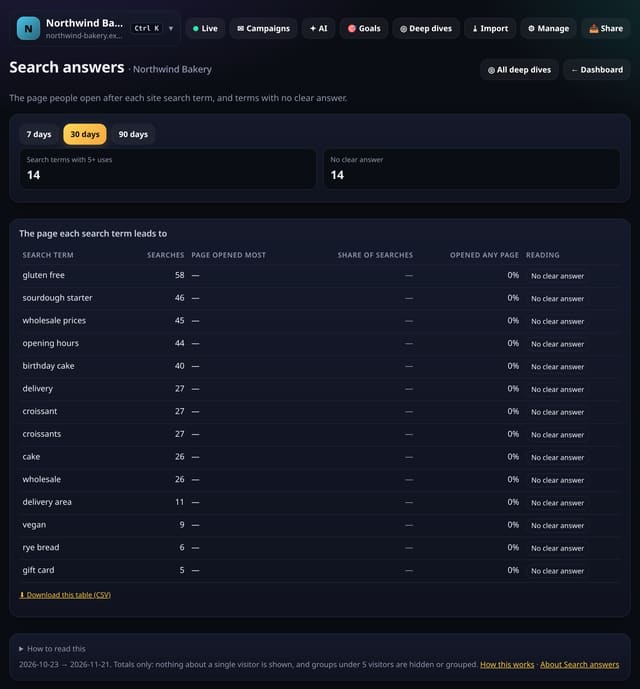
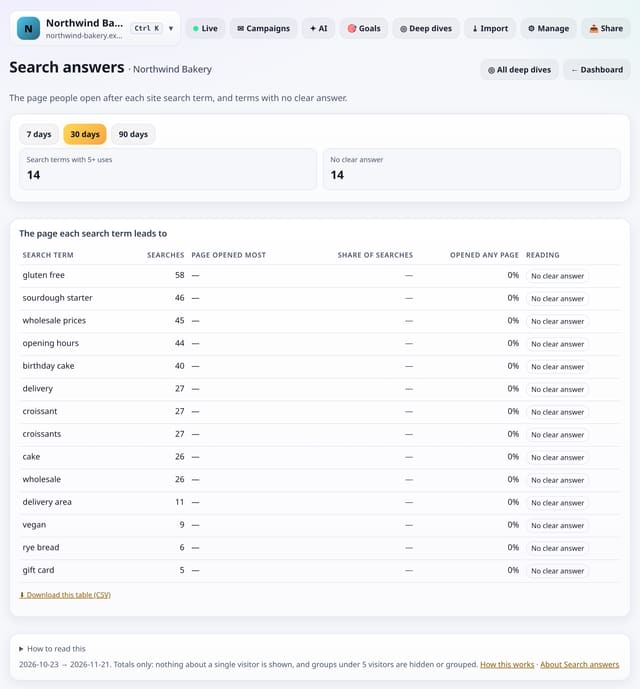
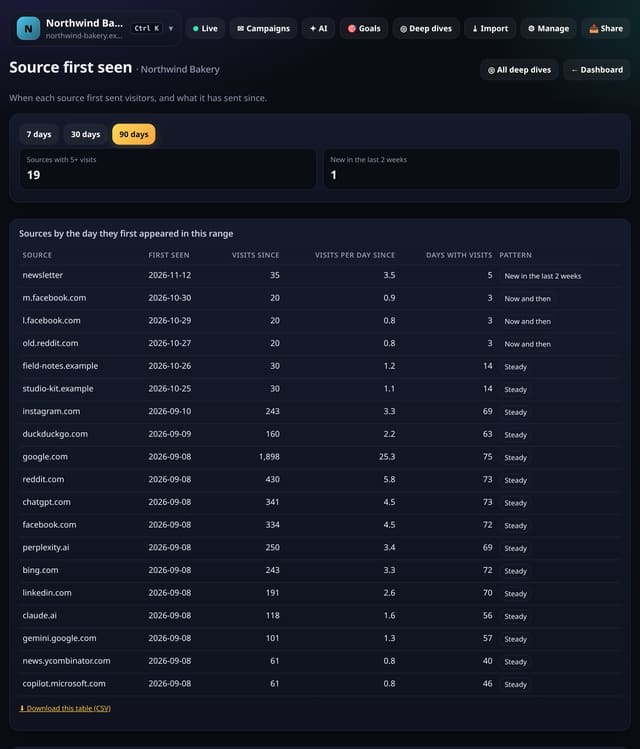
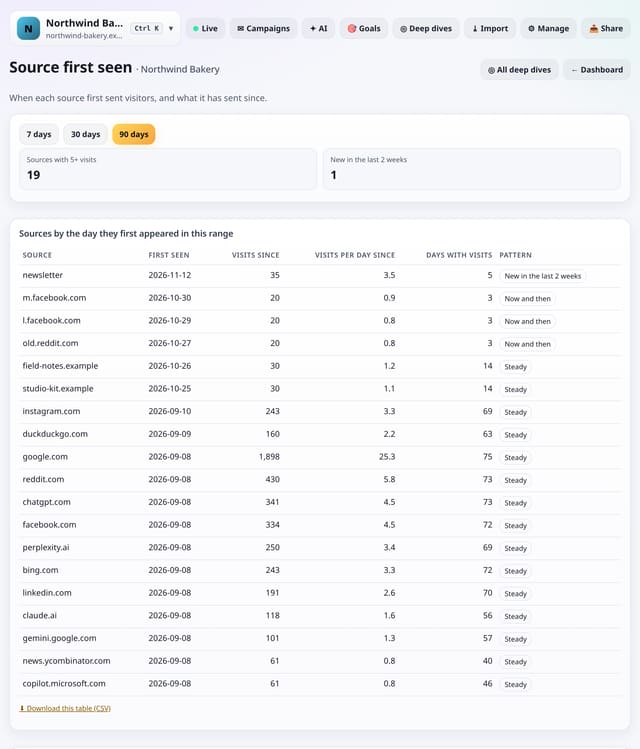
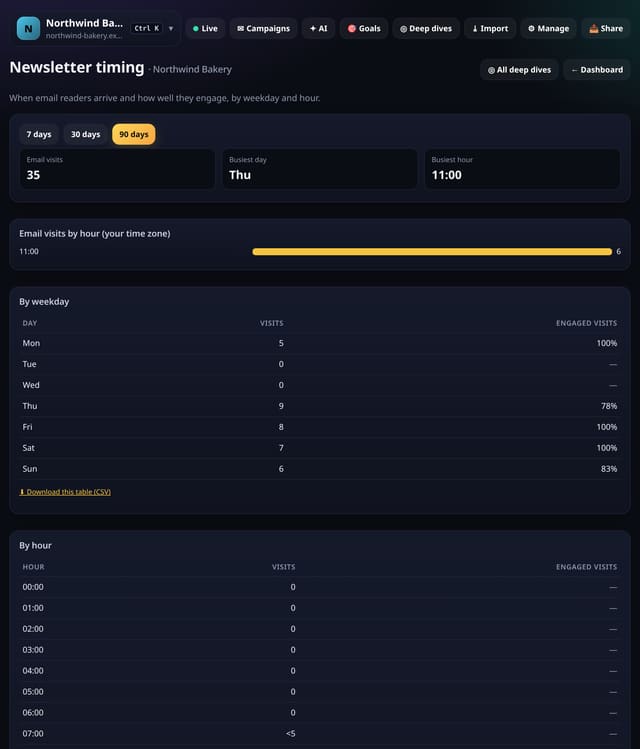
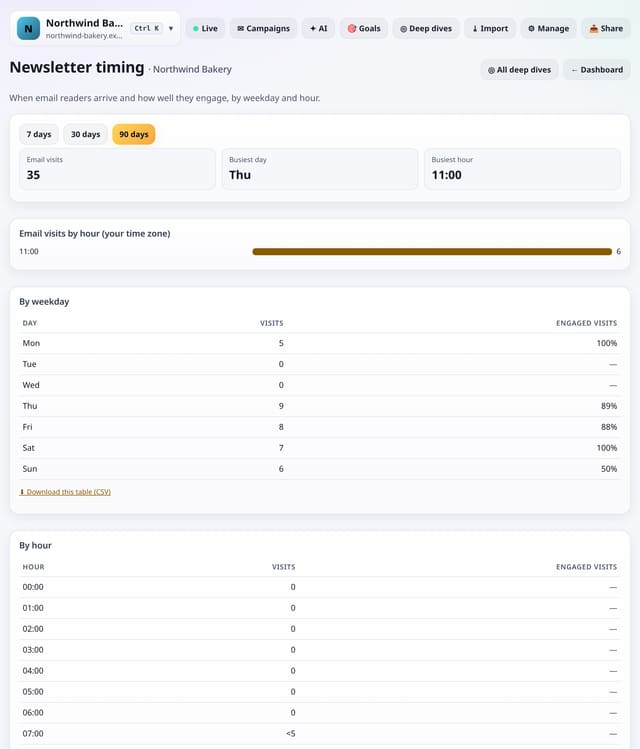
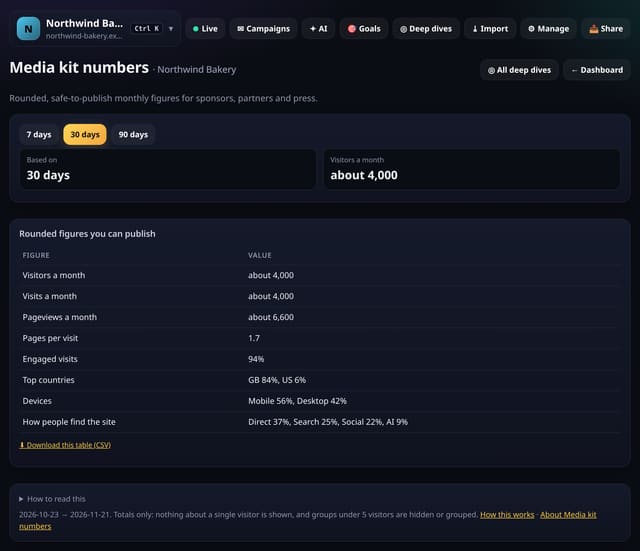
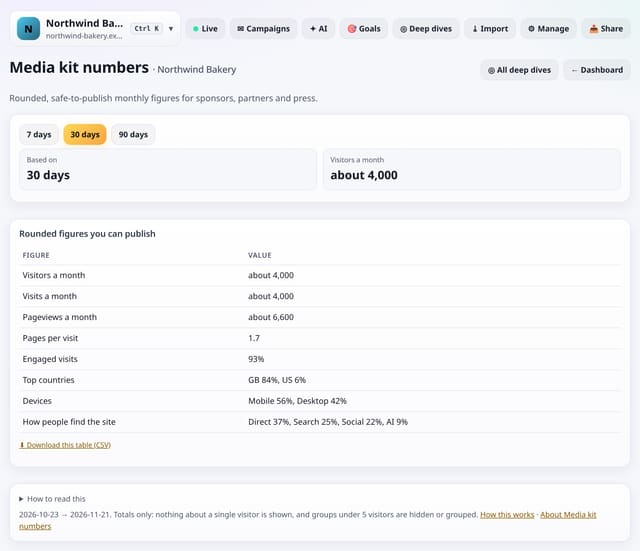
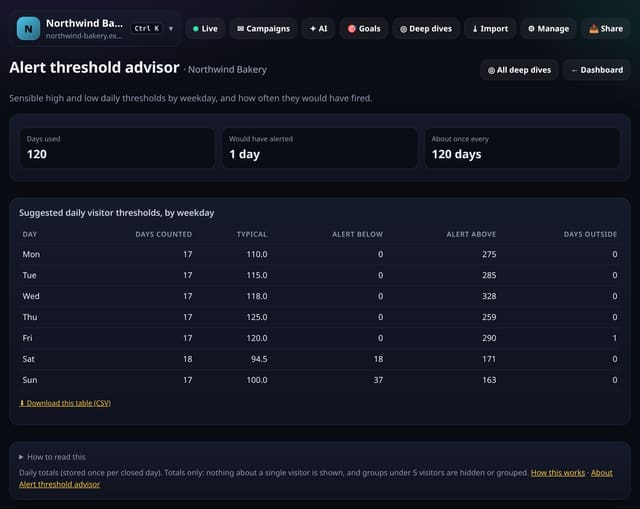
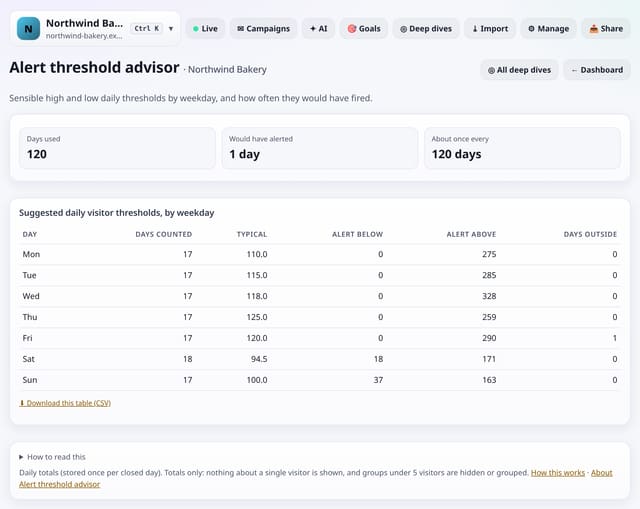
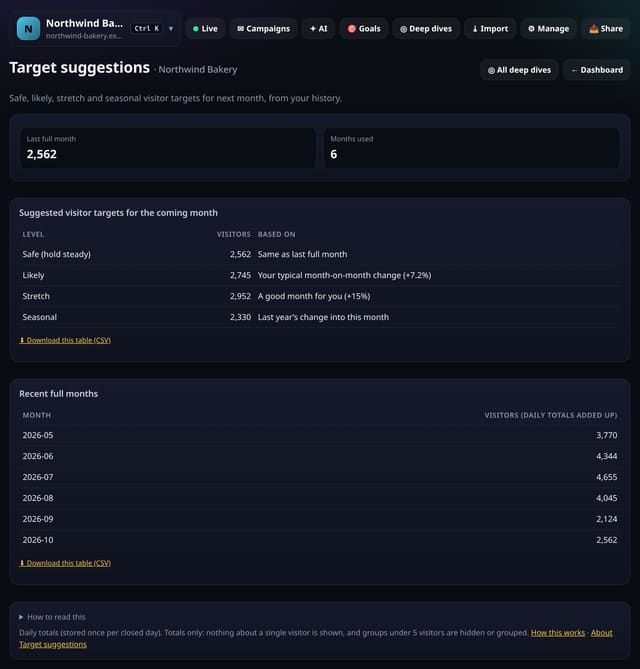
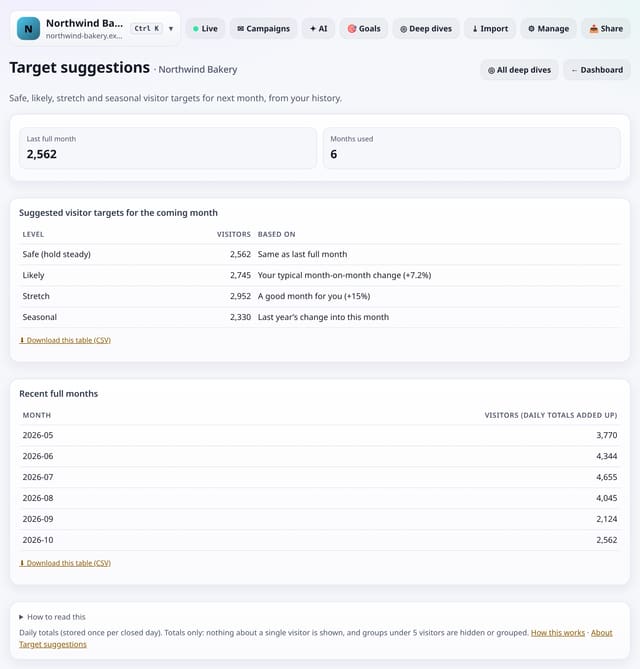
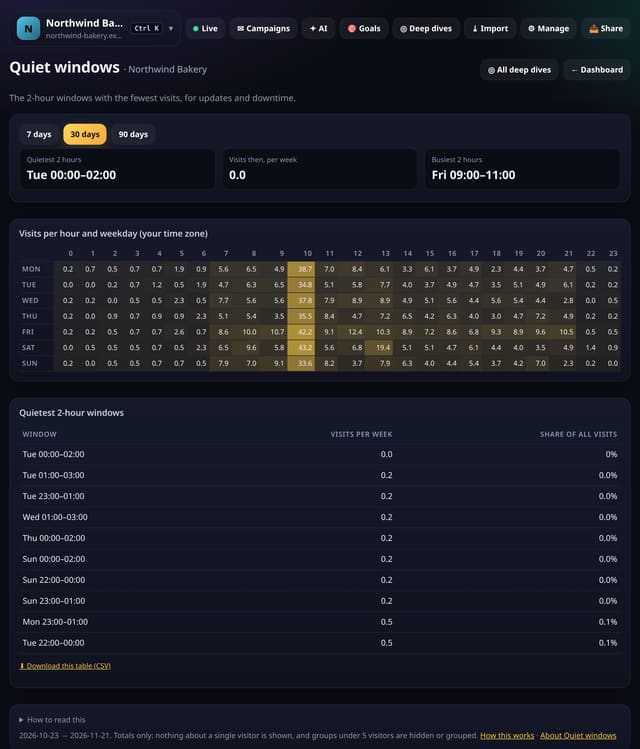
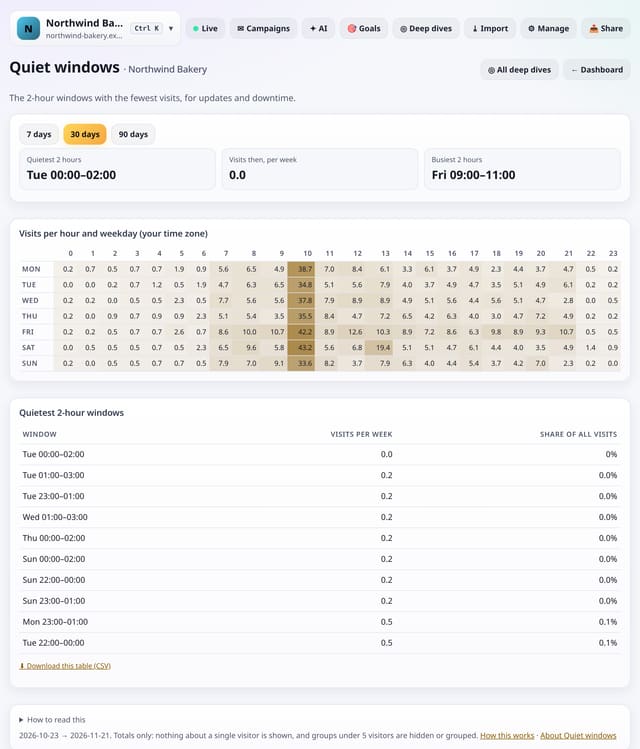
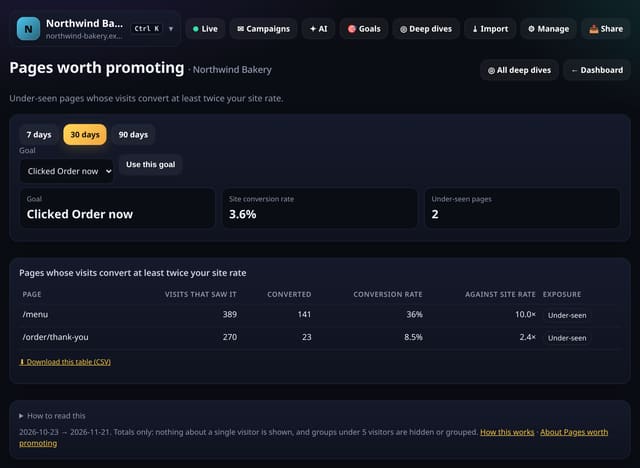
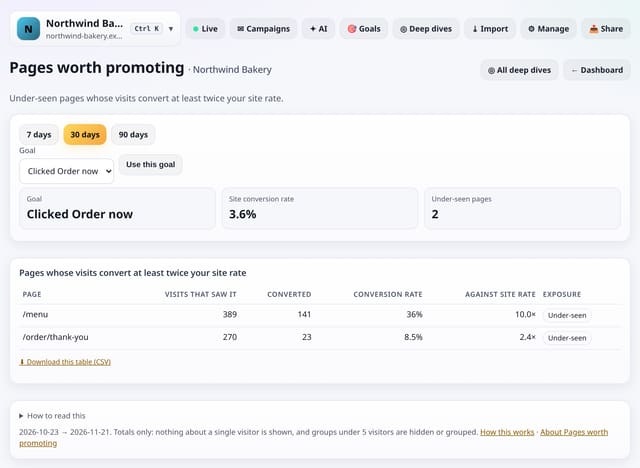
50 new features (QS-575 to QS-624), all in Deep dives → Analysis lab and searchable on All reports. This time most of them are practical: suggestions you can act on, calculators, a bulk link builder, test lists for screens and browsers, rounded numbers for a media kit, and checks for robot traffic, uneven A/B splits and tracking gaps. Each one is explained below in plain English, with a screenshot and links to its feature page and how-to guide. Yesterday’s 200 additions are on the 20 November page.
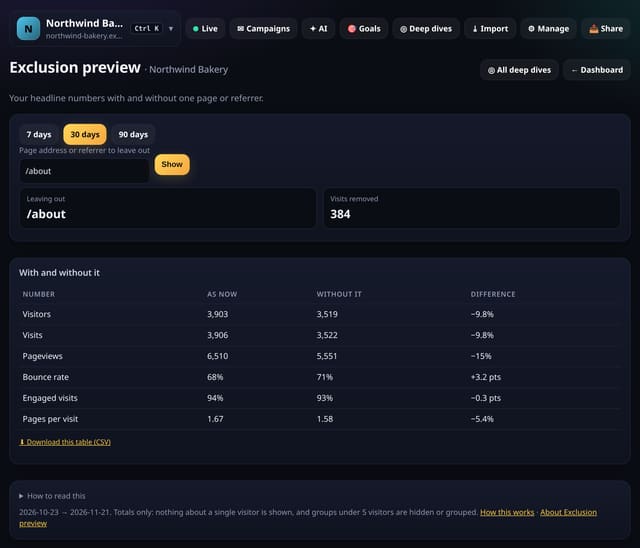
8 of the new screens have a box at the top for a number or address: a target, your working hours, ad clicks, a page to leave out. What you type is used to work out that page and is never stored; press Show again with a different value as often as you like.
Growth needed: The monthly growth it takes to reach a visitor target, against your own.
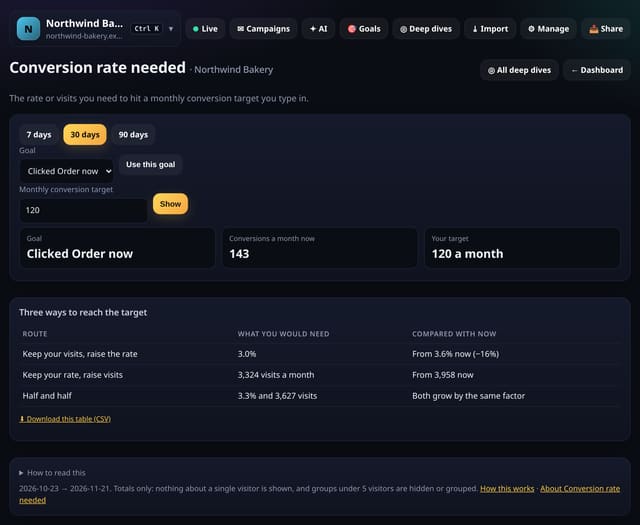
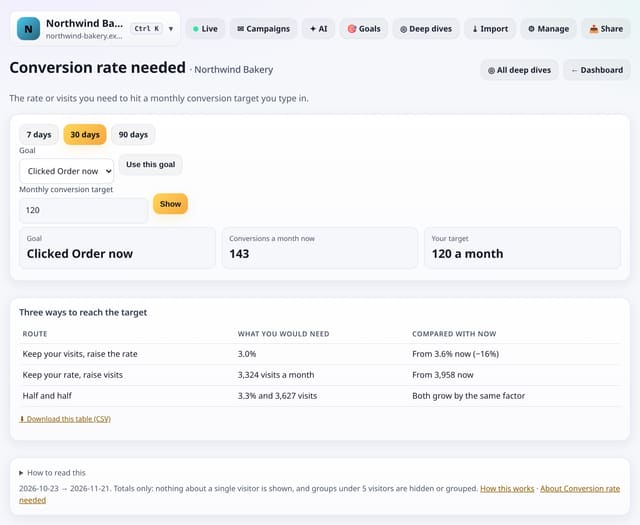
Conversion rate needed: The rate or visits you need to hit a monthly conversion target you type in.
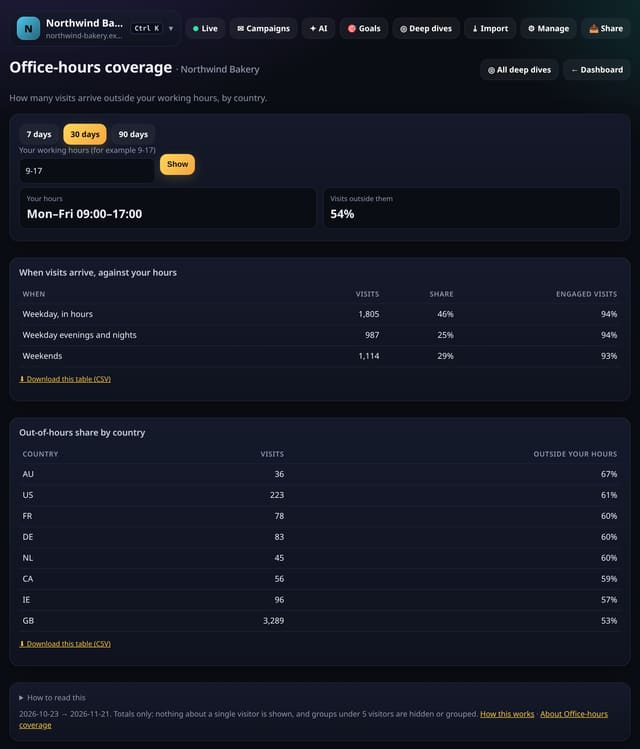
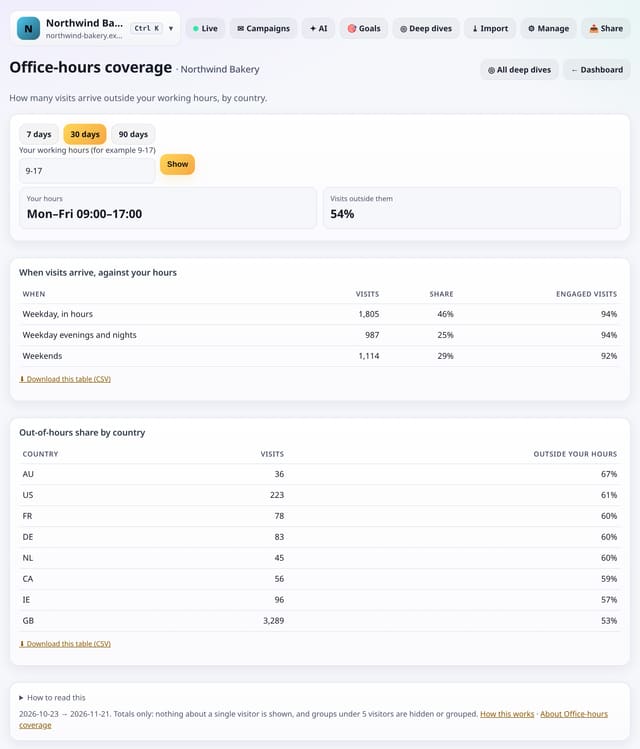
Office-hours coverage: How many visits arrive outside your working hours, by country.
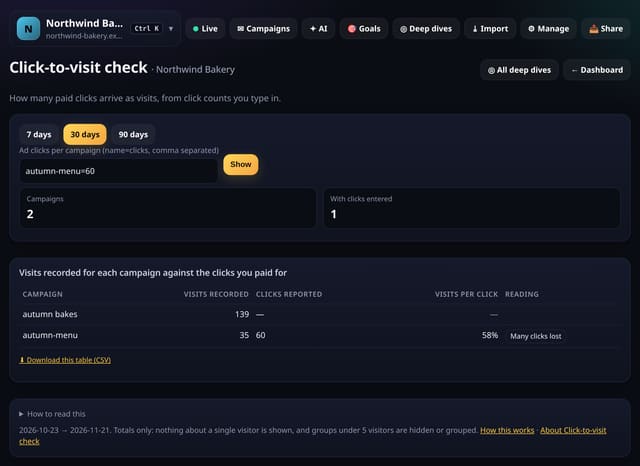
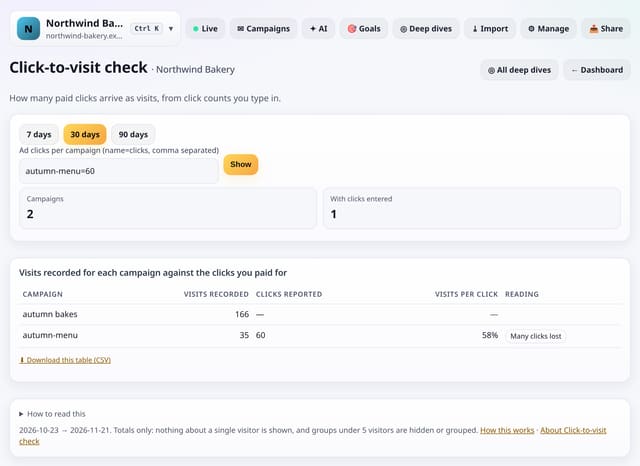
Click-to-visit check: How many paid clicks arrive as visits, from click counts you type in.
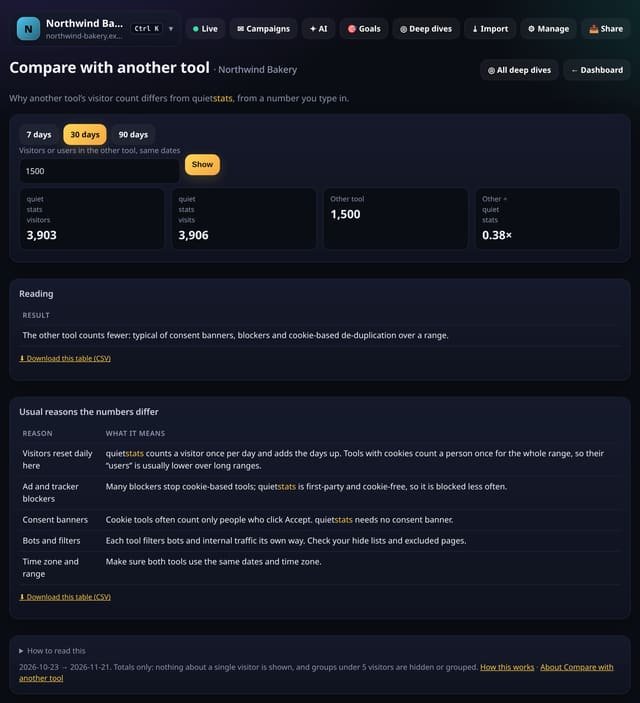
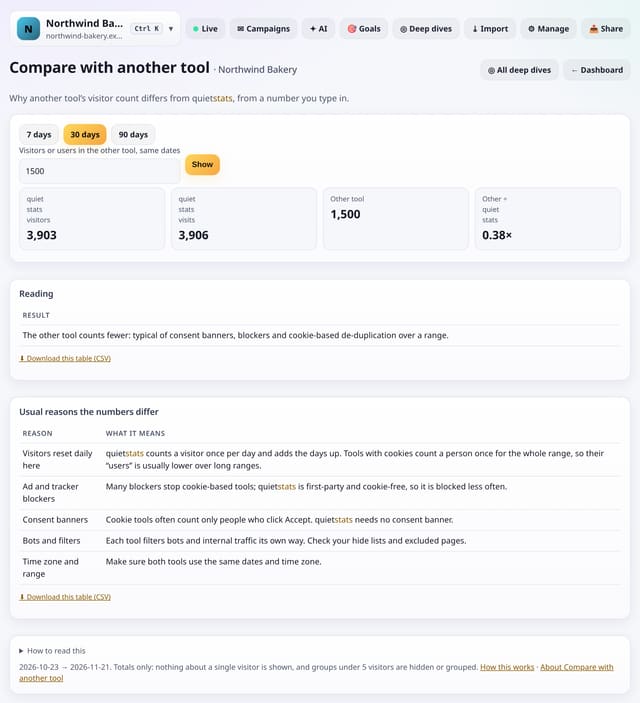
Compare with another tool: Why another tool’s visitor count differs from quietstats, from a number you type in.
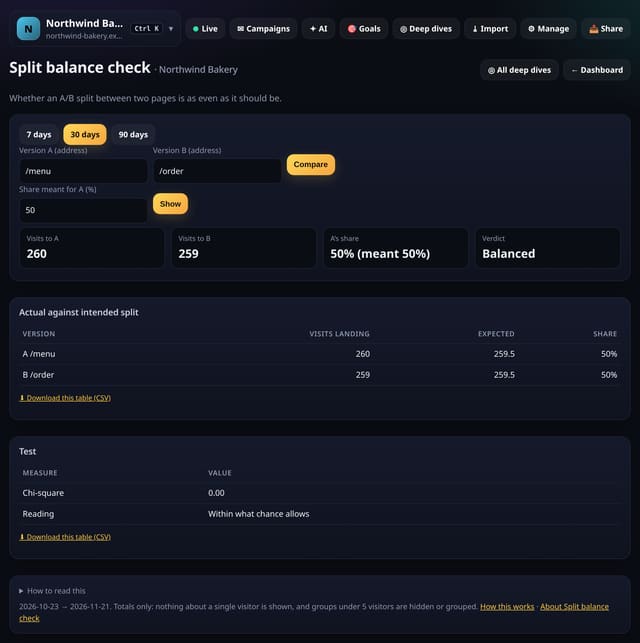
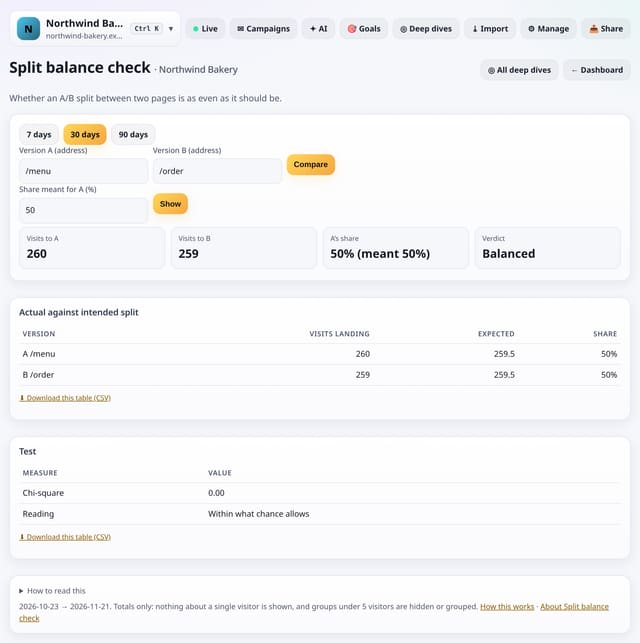
Split balance check: Whether an A/B split between two pages is as even as it should be.
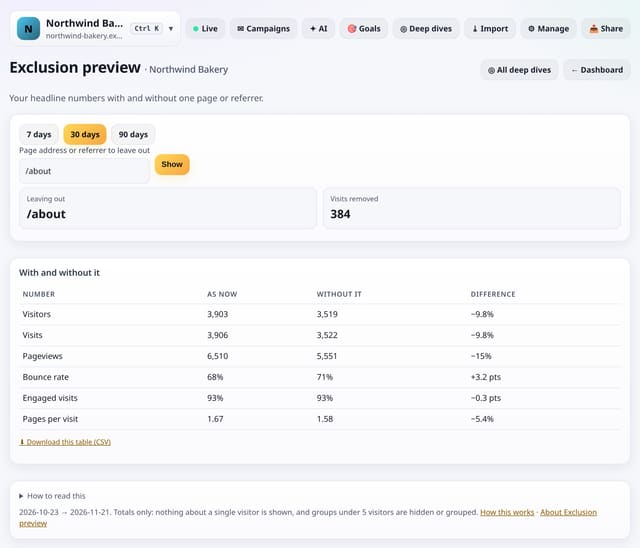
Exclusion preview: Your headline numbers with and without one page or referrer.
Conversions
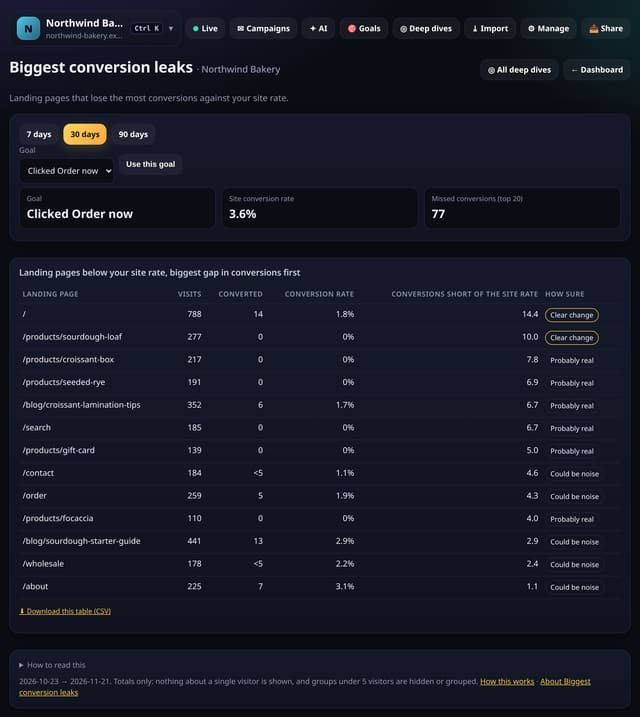
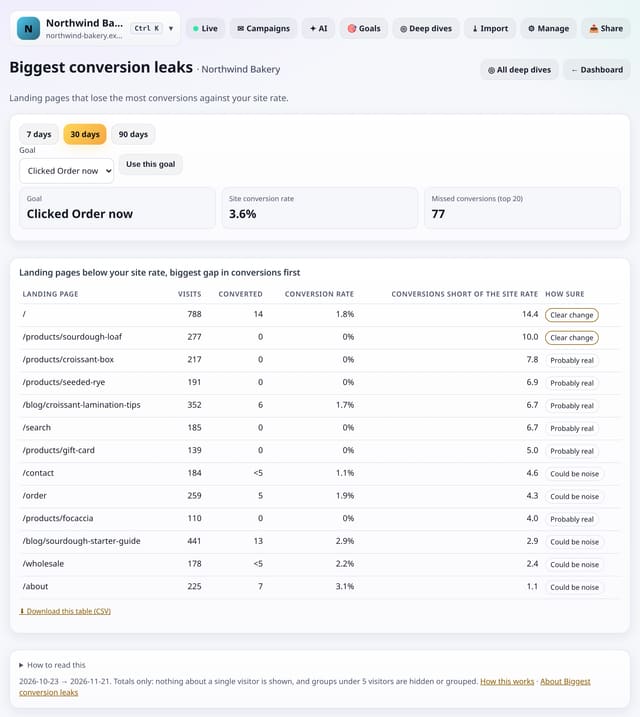
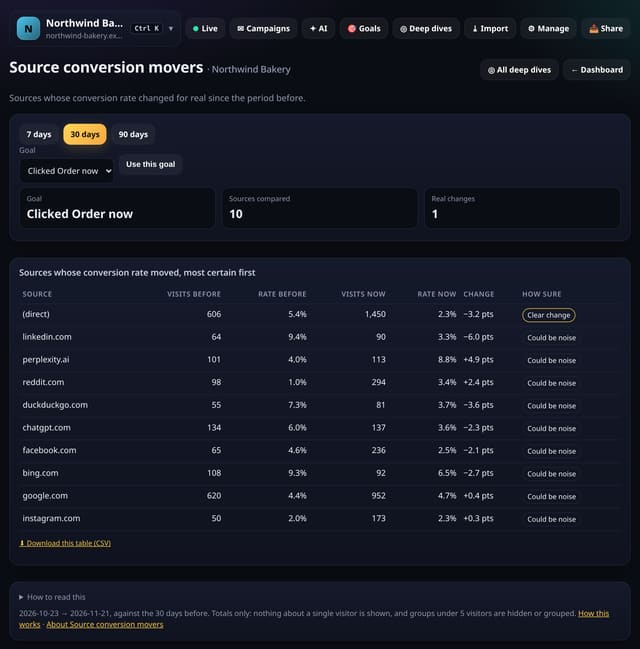
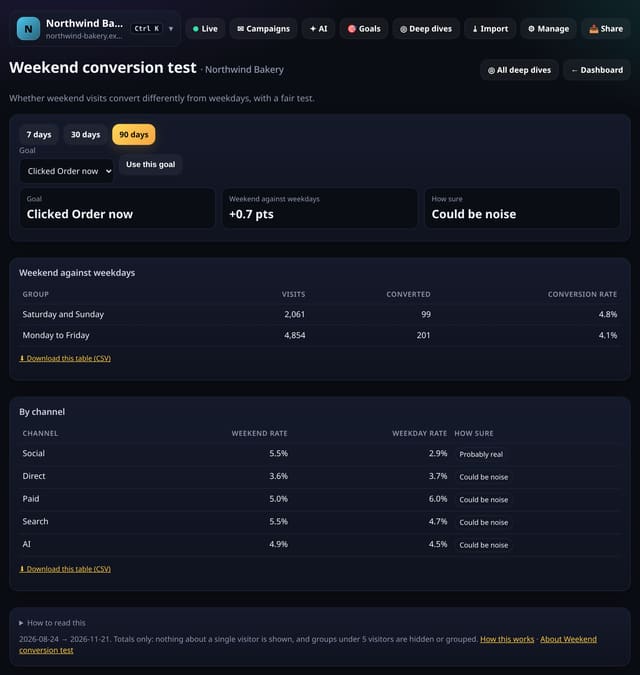
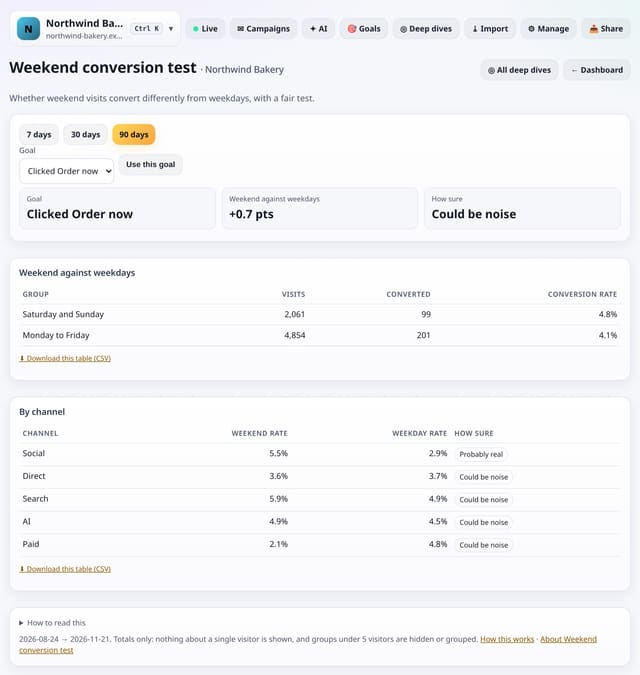
Conversion changes you can trust (each with a fair test), plus a calculator for the rate or visits a target needs. Open any of them from Deep dives → Analysis lab. Screens that need a goal use your first goal until you pick another.
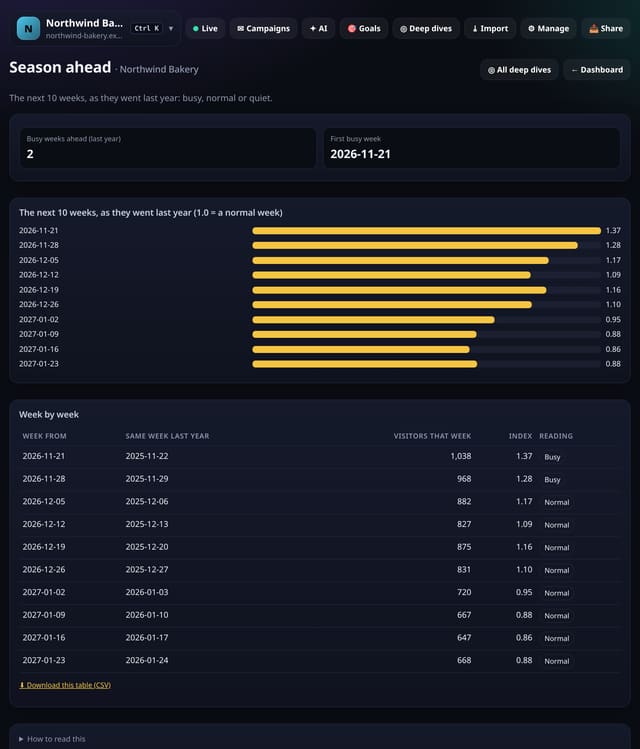
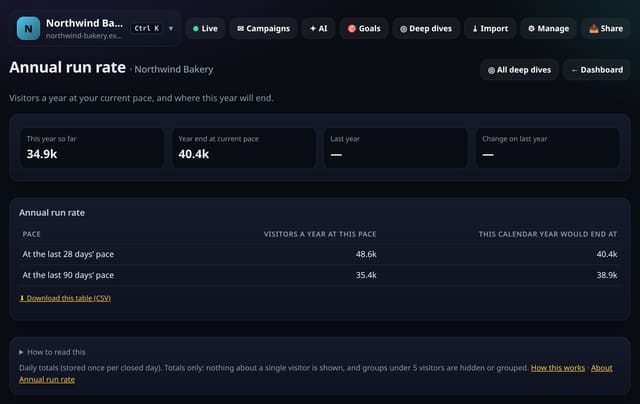
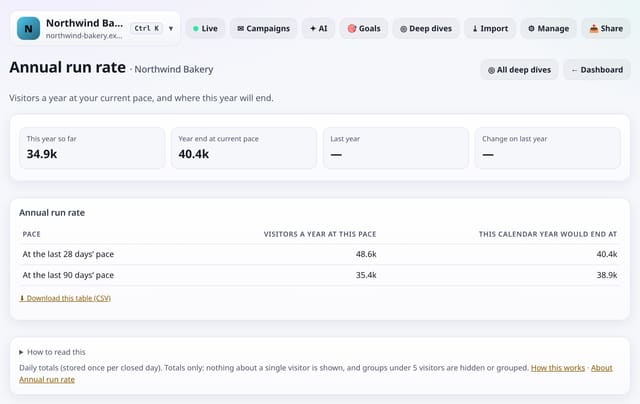
Planning ahead: where today will end, the growth a target needs, what the coming weeks looked like last year, how long drops take to recover and your yearly run rate.
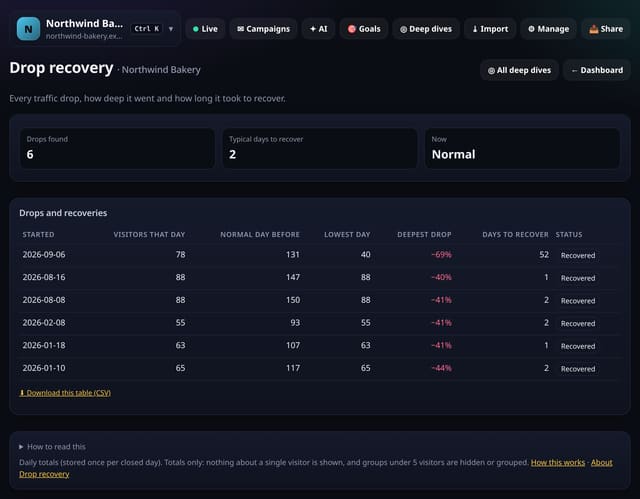
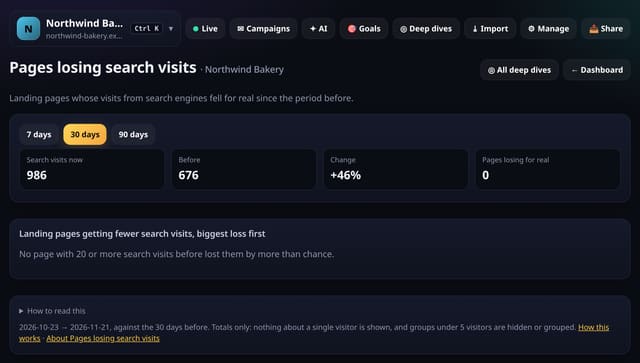
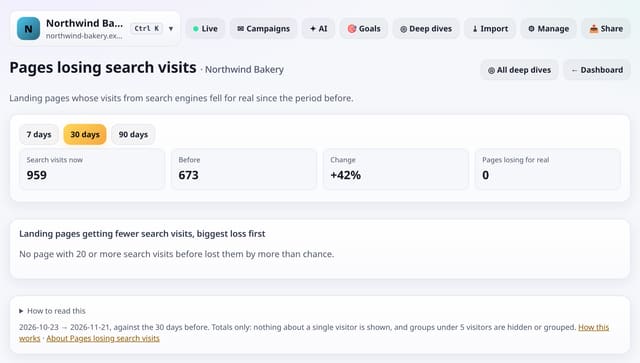
Every day your traffic fell well below normal, how deep the dip went and how many days it took to recover.
Why use it: Knowing how long your drops usually last tells you whether today’s dip is normal or needs action, and drops that never recovered point to lost rankings or broken pages.
For each site search term, the page people open most after searching, and terms with no clear answer.
Why use it: Terms with one clear answer can be pinned to the top of results; terms with no clear answer show where a page or a better result is missing.
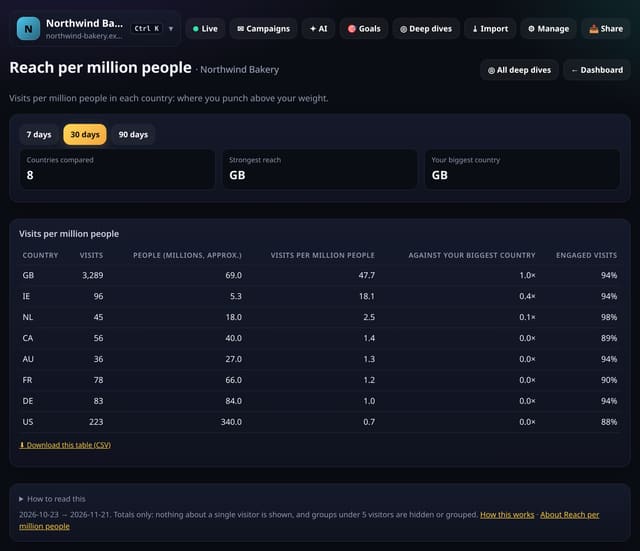
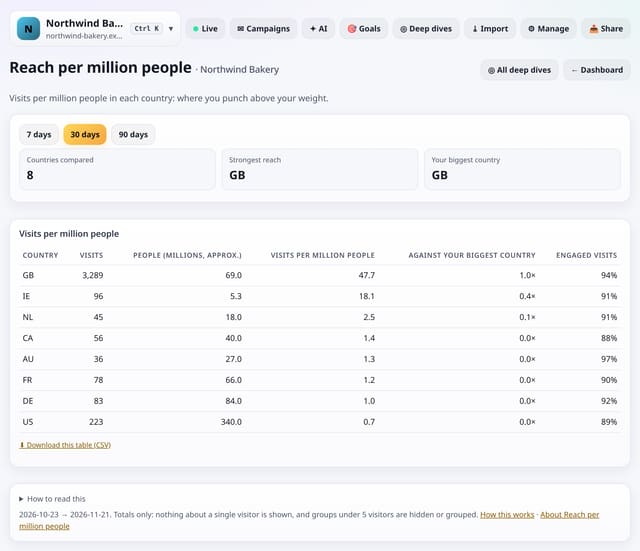
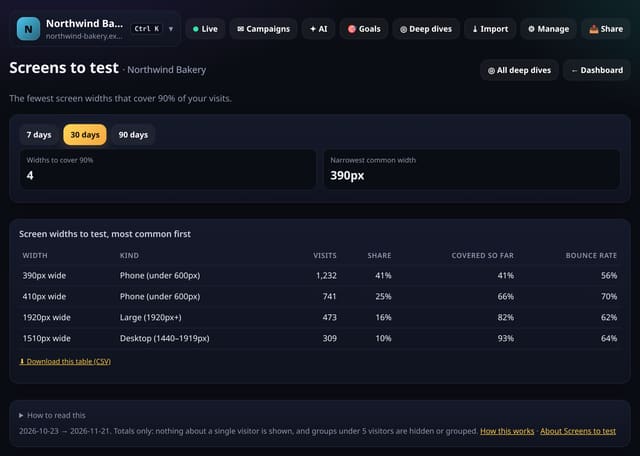
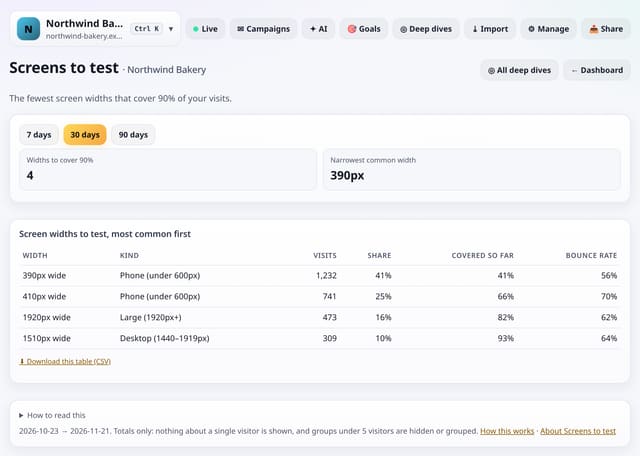
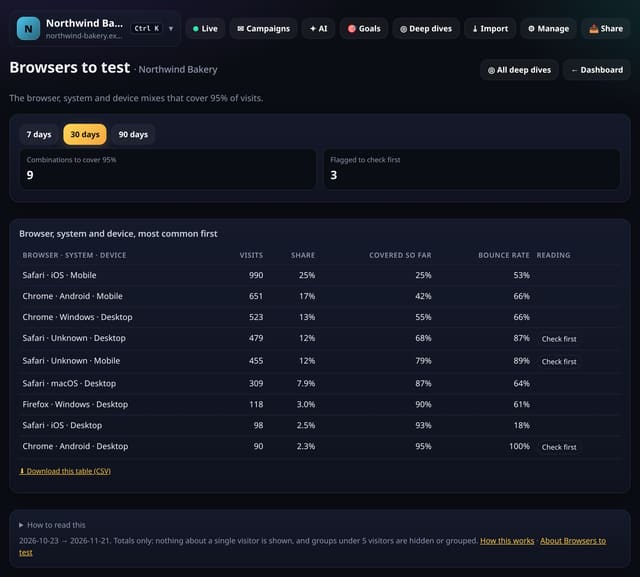
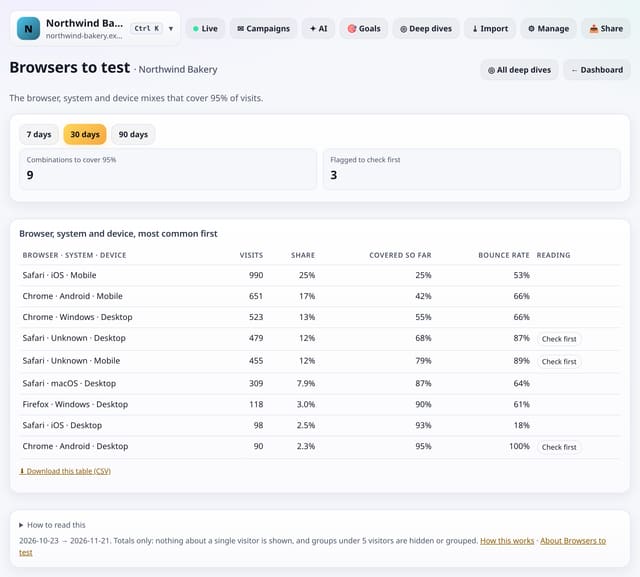
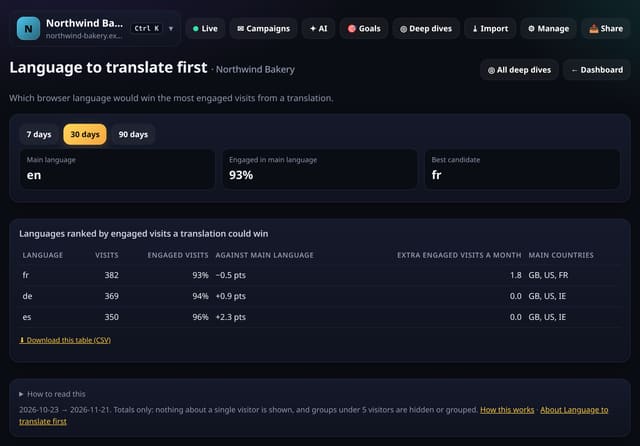
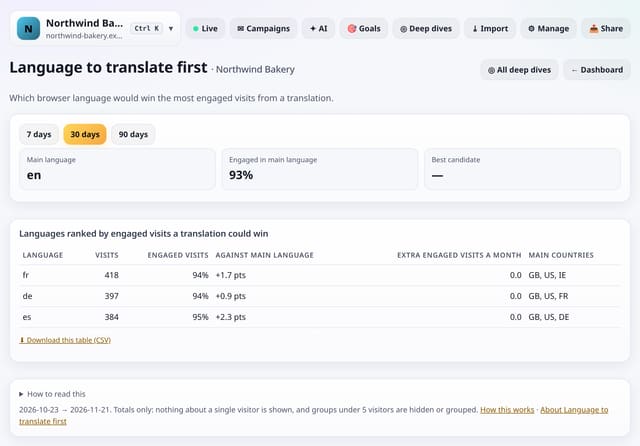
Who to build and test for: reach per head by country, visits outside your working hours, the screens and browsers that cover nearly everyone, and which translation would pay off first.
Type your working hours and see the share of visits that arrive outside them, how engaged those visitors are, and the split by country.
Why use it: If most visits come when nobody is around, a contact form with a clear reply time, better help pages or scheduled posts may matter more than live chat.
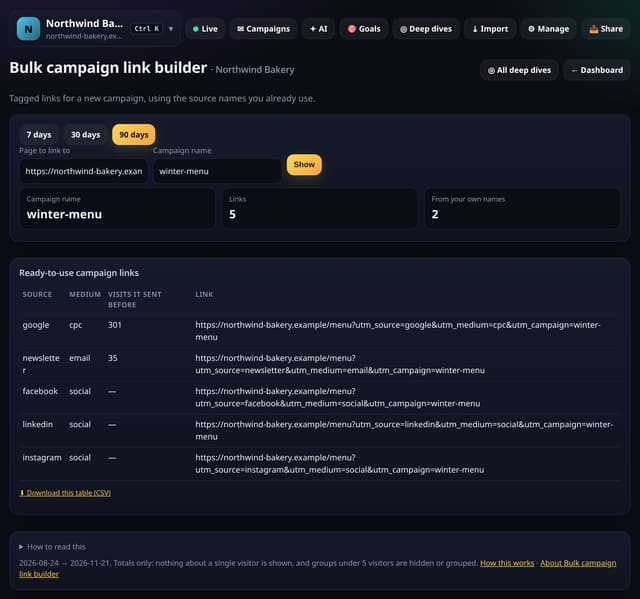
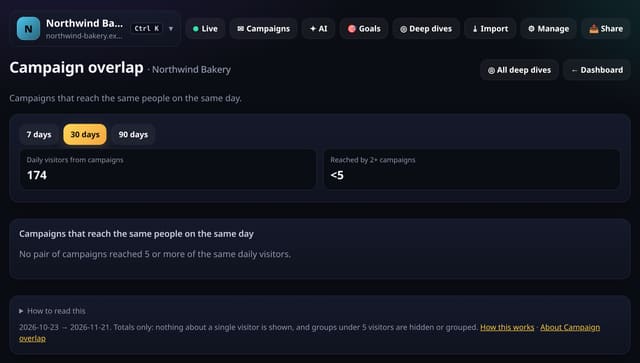
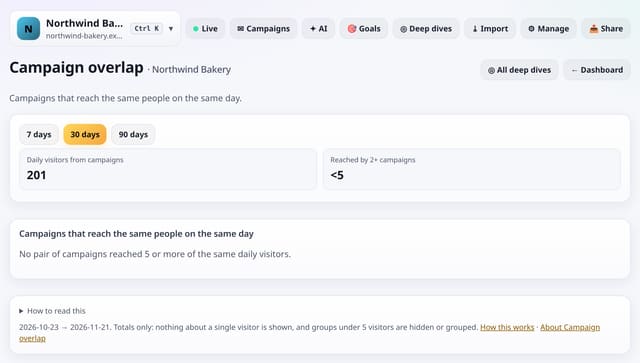
Campaign tools: build tagged links in bulk from the names you already use, check paid clicks against visits, see overlap between campaigns, new sources and the best newsletter send times.
Type the clicks your ad platform reports for each campaign and see how many arrived as visits, with campaigns losing many flagged.
Why use it: Some loss is normal, but a big gap means a slow landing page, a broken link or tags dropped by a redirect: money spent on clicks that never arrived.
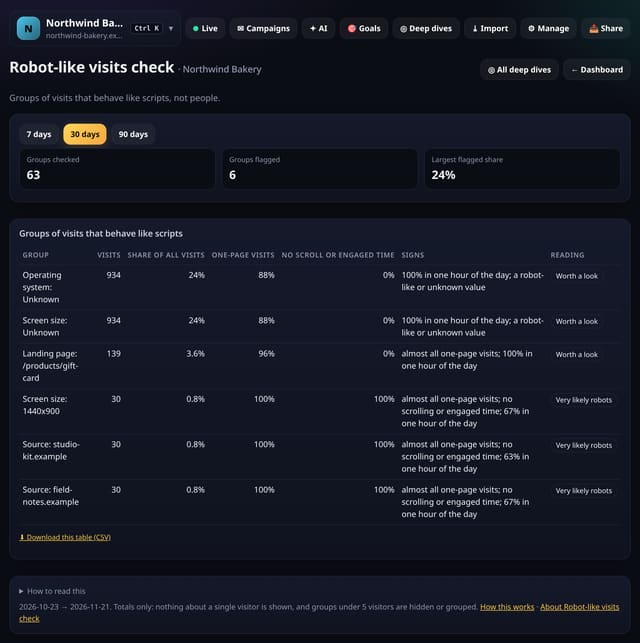
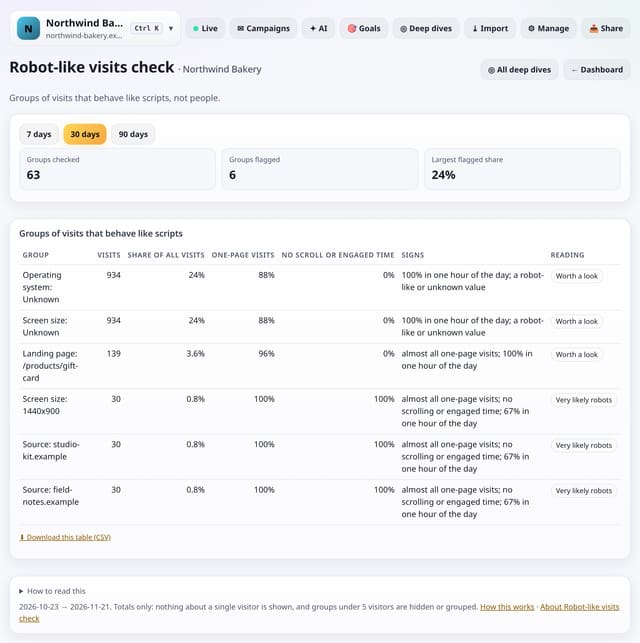
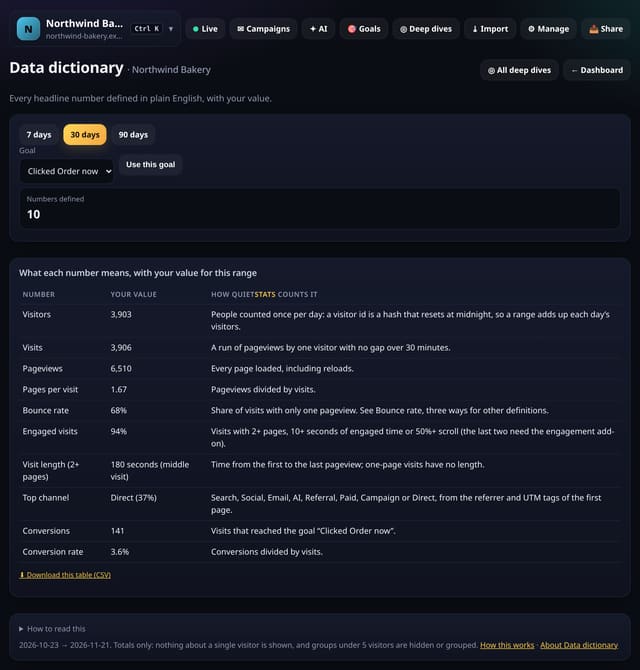
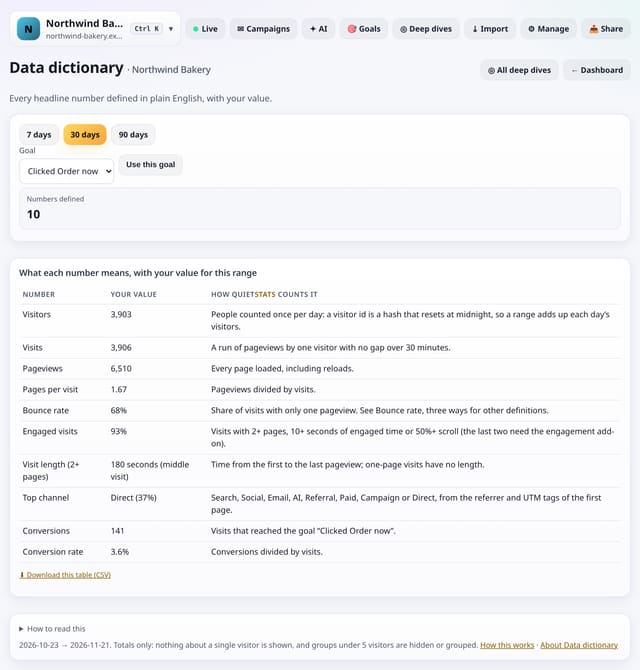
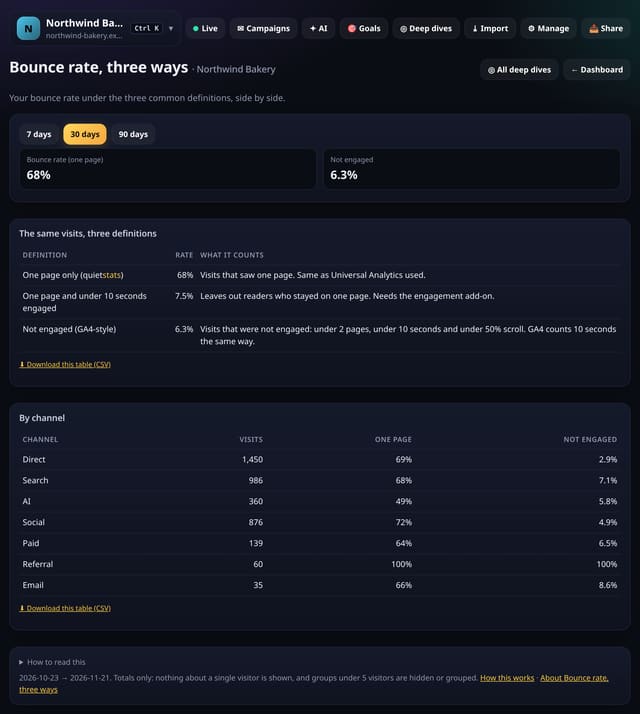
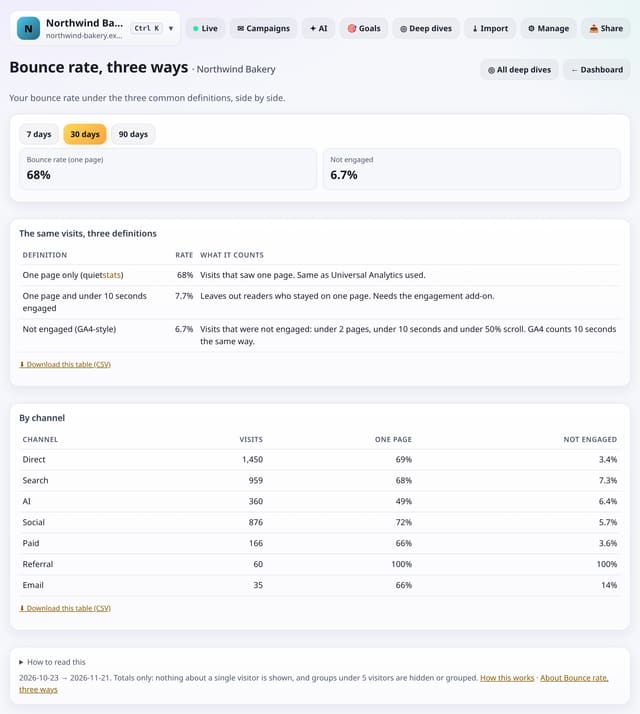
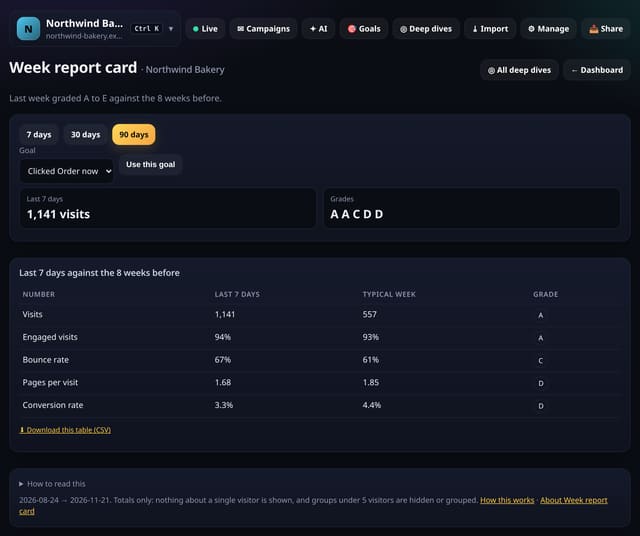
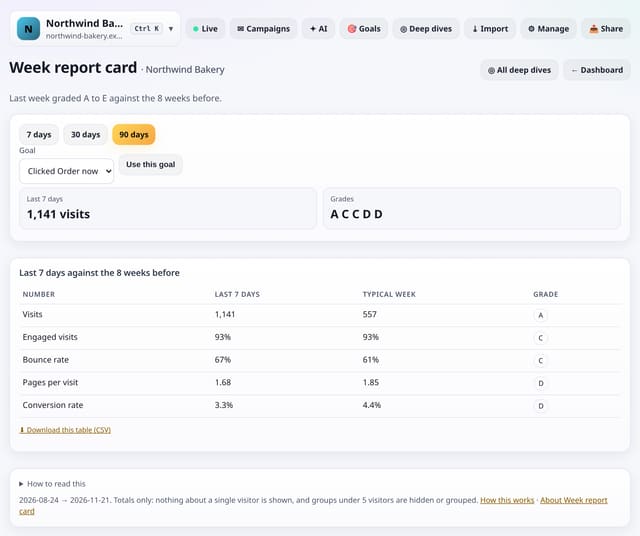
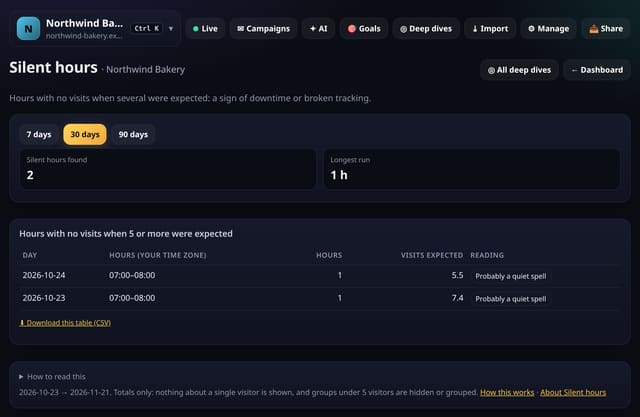
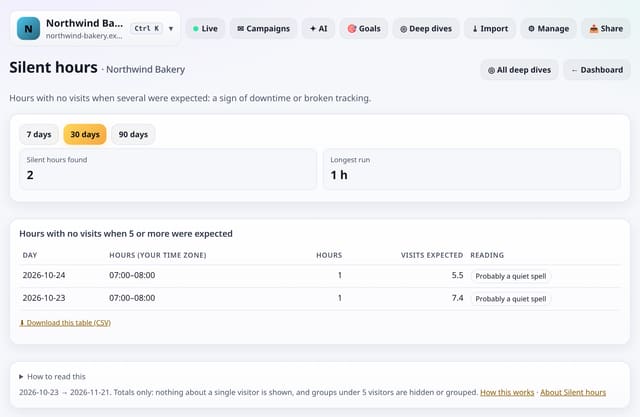
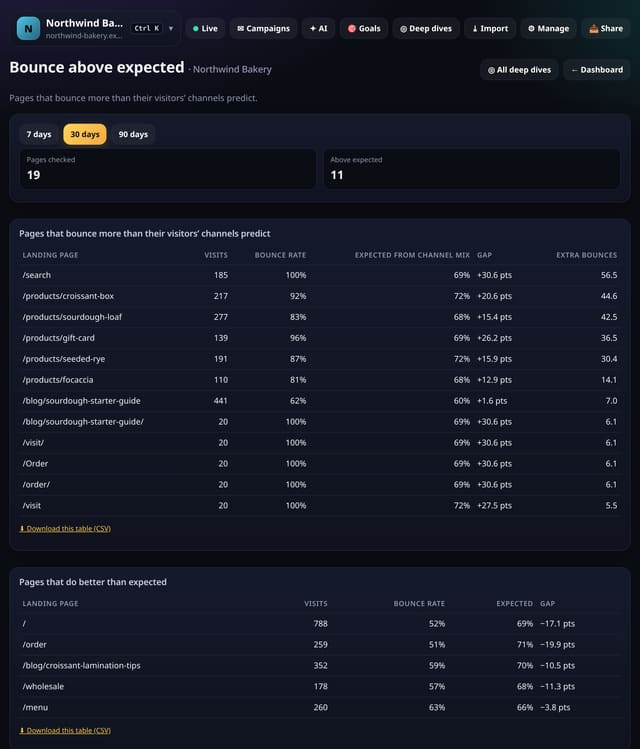
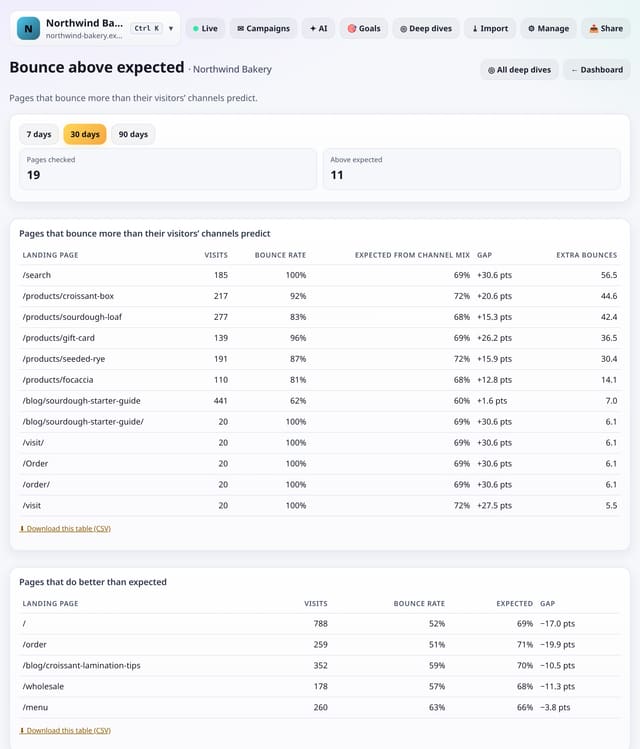
Checks and handy extras: media-kit numbers, a data dictionary, robot-like traffic, comparing with another tool, A/B split balance, three bounce rates, exclusion previews, a weekly report card and silent hours.
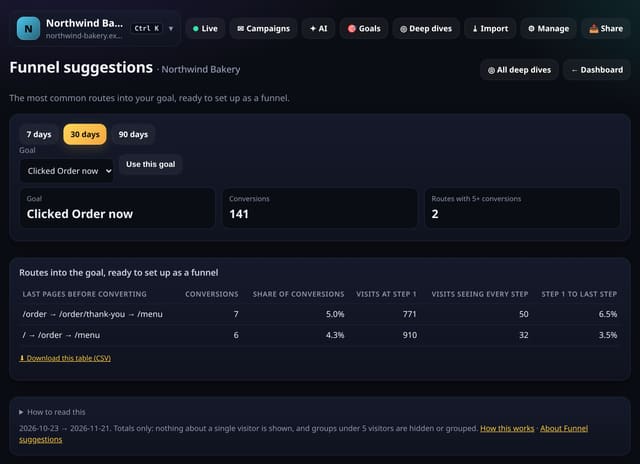
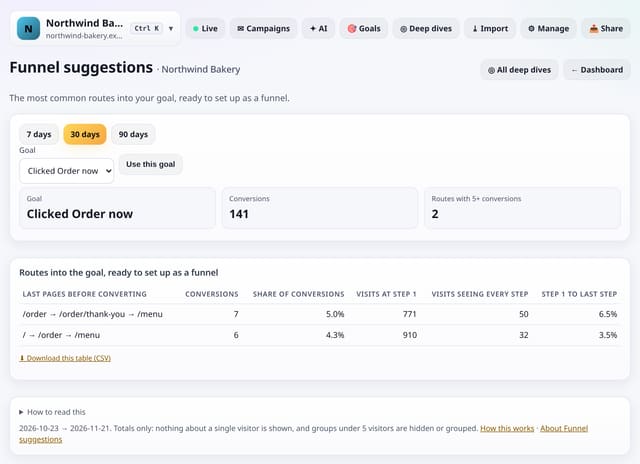
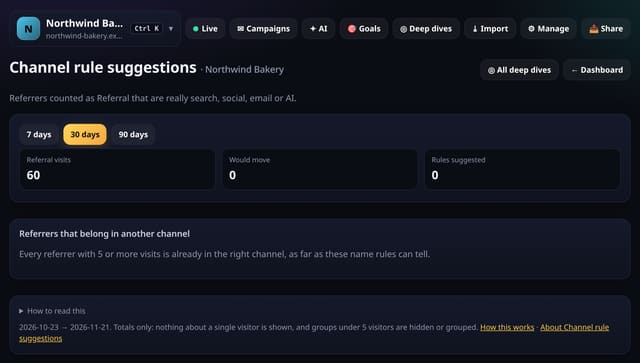
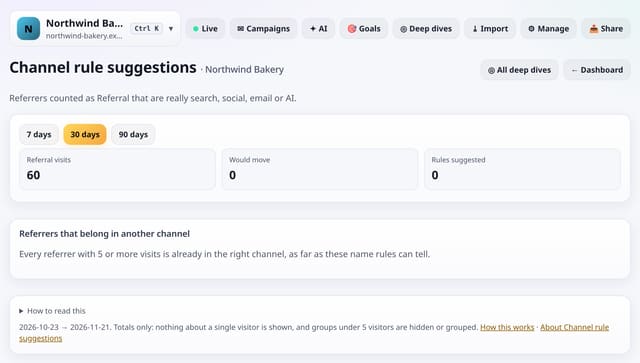
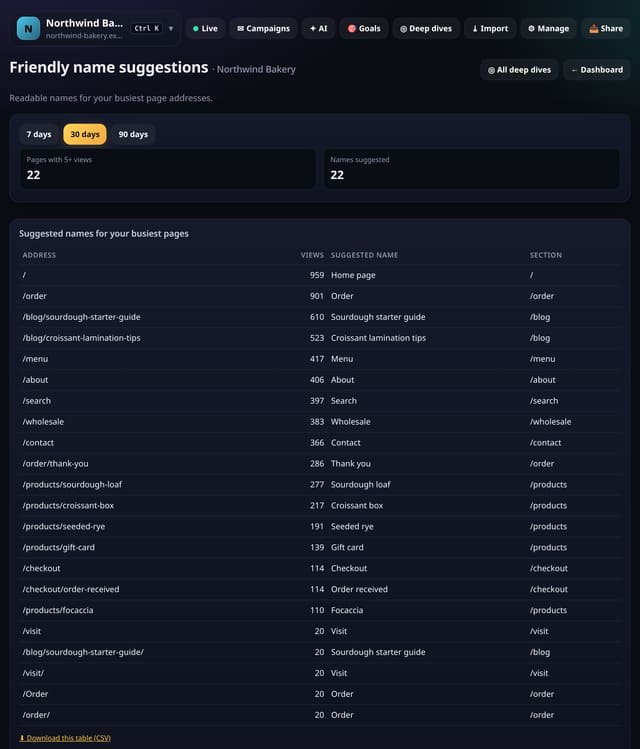
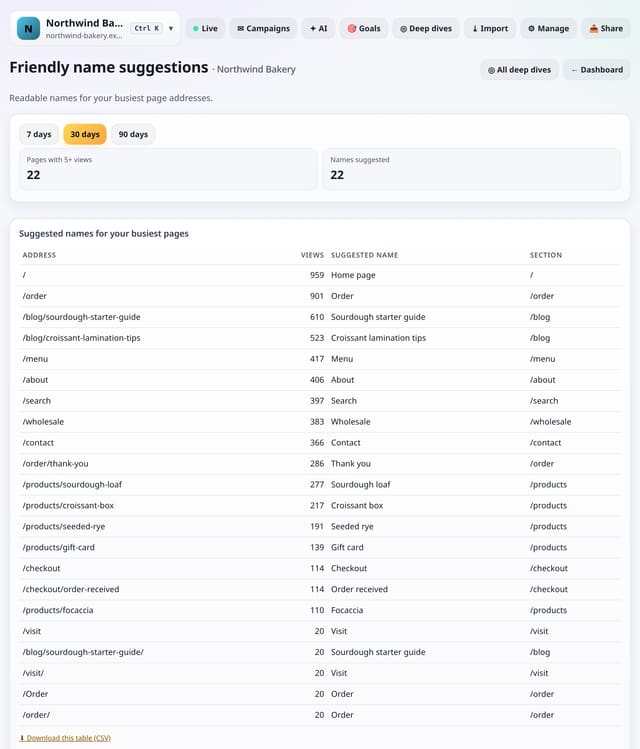
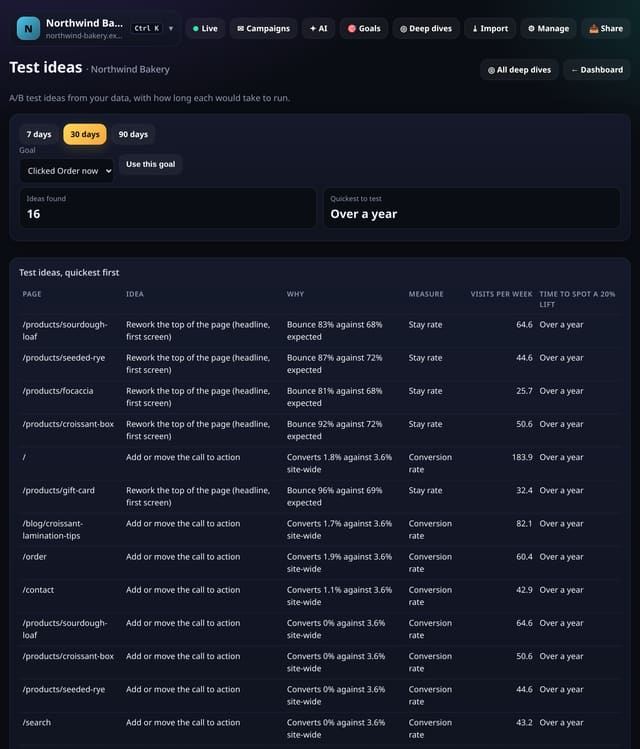
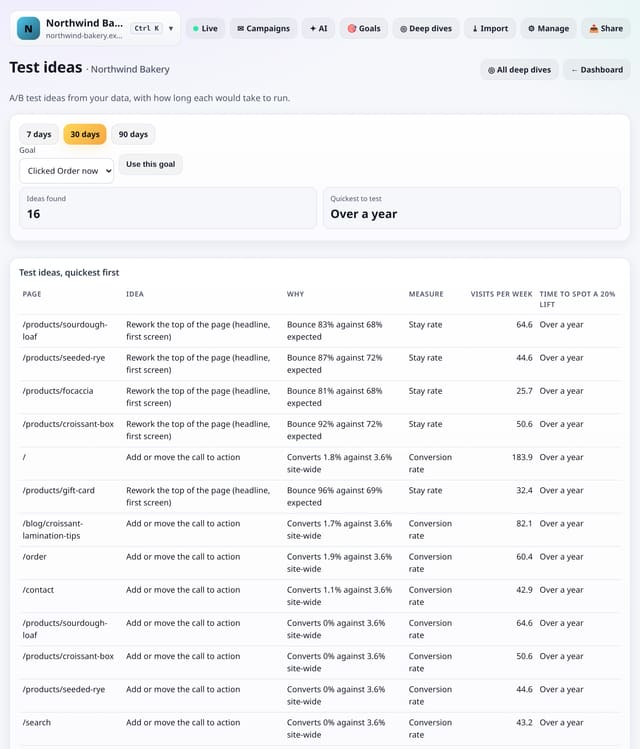
Screens that tell you what to do next: goals and funnels to set up, links to add, pages to fix or promote, rules and names to paste into the Toolkit, and test ideas with how long each would take. They only suggest; nothing changes until you say so.
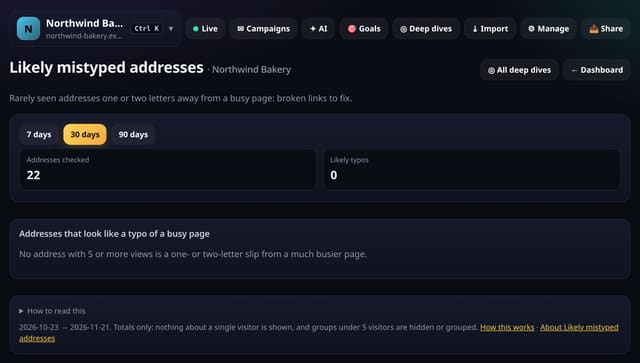
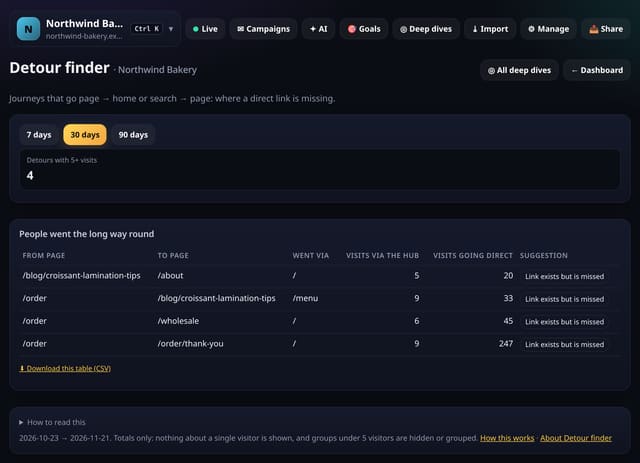
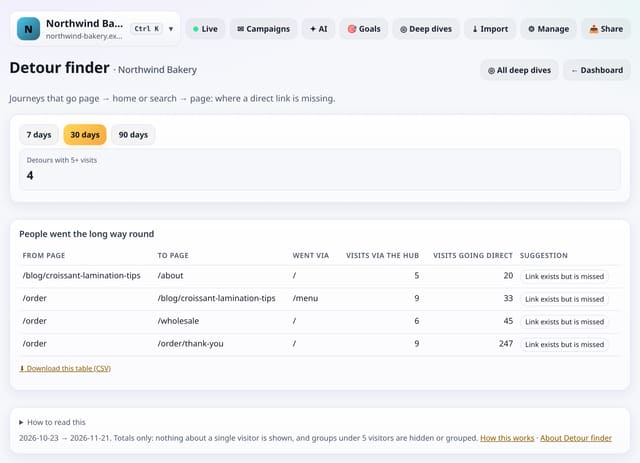
Journeys that go page → home or search → another page, again and again: a sign of a missing direct link.
Why use it: When many people go back to the home page or search to get from one page to another, a direct link from the first page would save them the trip, and fewer will give up on the way.
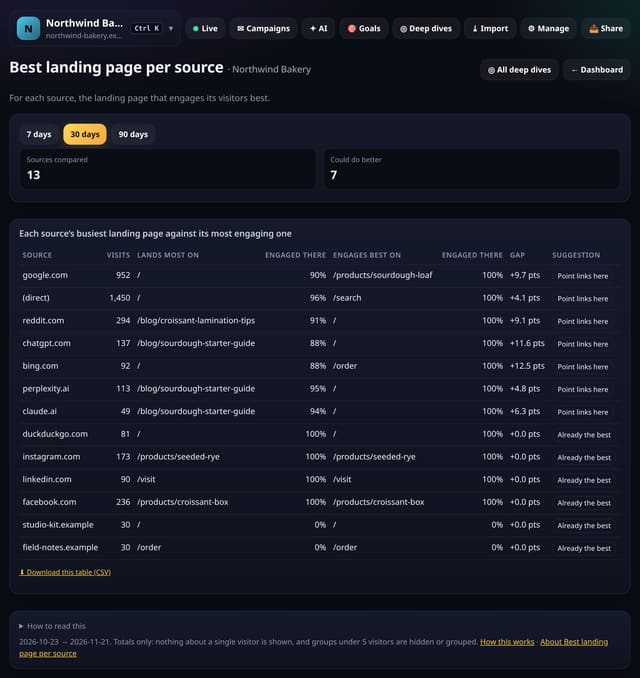
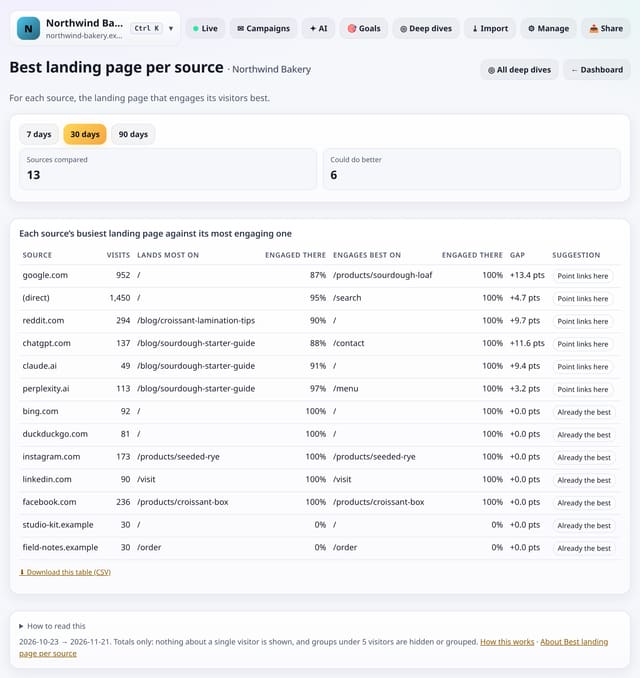
For each source, the landing page it sends most people to, against the one that engages its visitors best.
Why use it: When you control the link (your social profiles, newsletters, partner sites), sending people to the page that engages them best is a free win.
No cookies and no new tracking: every screen works on the pageviews, events and daily totals you already collect, reads them only when you open it, and keeps the result for 10 minutes. Groups under 5 are hidden or shown as “<5”. Visitor ids still reset at midnight, so nothing links one person across days. The tracking script is unchanged. Nothing here sends email or messages.